Essae DC-85N Printer Configuration Guide
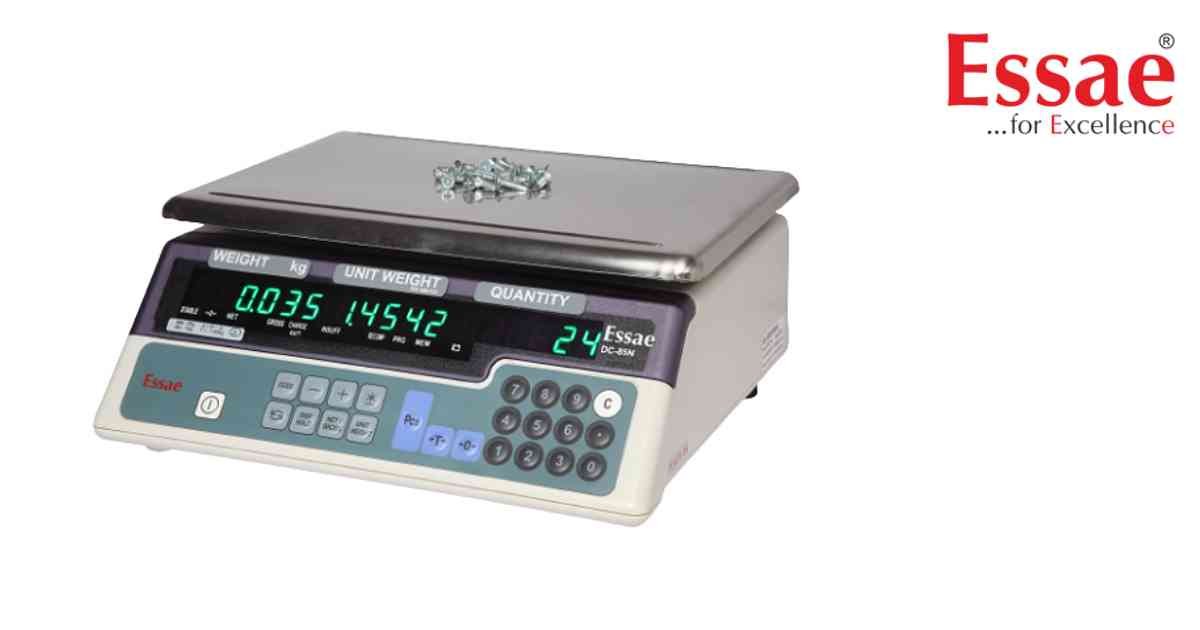
The DC-85N supports printer connectivity for printing weight and quantity records.
Procedure
1.) Connect compatible printer.
2.) Verify RS232 communication cable.
3.) Enter Customer Specification Menu.
4.) Configure communication settings.
5.) Configure print format.
6.) Save parameters.
7.) Perform print test.
8.) Verify printed output.
Printable Information
1.) Weight.
2.) Quantity.
3.) Unit Weight.
4.) Date and Time.
5.) Accumulated Data.
Benefits
1.) Better traceability.
2.) Improved documentation.
3.) Faster reporting.
Procedure
1.) Connect compatible printer.
2.) Verify RS232 communication cable.
3.) Enter Customer Specification Menu.
4.) Configure communication settings.
5.) Configure print format.
6.) Save parameters.
7.) Perform print test.
8.) Verify printed output.
Printable Information
1.) Weight.
2.) Quantity.
3.) Unit Weight.
4.) Date and Time.
5.) Accumulated Data.
Benefits
1.) Better traceability.
2.) Improved documentation.
3.) Faster reporting.
Looking for a new weighing machine?
Upgrade your operations with our latest high-precision scales. We offer a wide catalog of reliable and certified machines.
Related Calibration Guides
