Essae DC-85N Power Fail Retain Function Guide
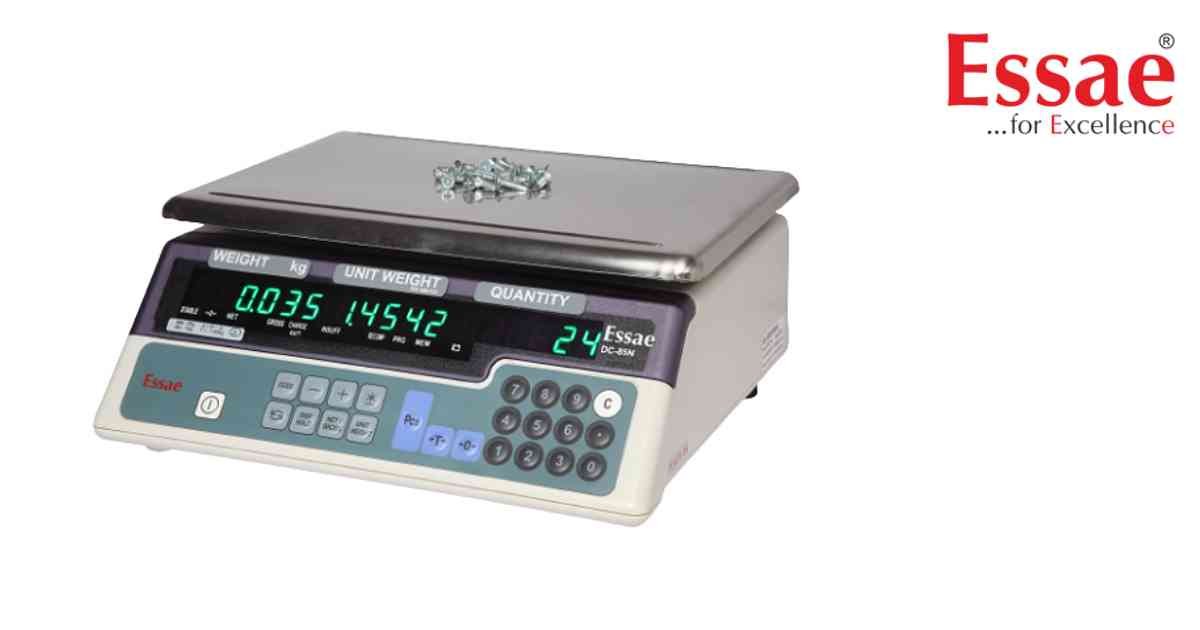
Power Fail Retain restores the displayed weight after power restoration.
Procedure
1.) Calibrate the scale.
2.) Enable Power Fail Retain settings.
3.) Place load on platform.
4.) Switch OFF AC power.
5.) Keep load on platform.
6.) Restore AC power.
7.) Scale displays retained weight.
Benefits
1.) Prevents production interruptions.
2.) Reduces weighing errors.
3.) Useful for industrial processes.
Applications
1.) Warehouses.
2.) Manufacturing.
3.) Logistics operations.
Procedure
1.) Calibrate the scale.
2.) Enable Power Fail Retain settings.
3.) Place load on platform.
4.) Switch OFF AC power.
5.) Keep load on platform.
6.) Restore AC power.
7.) Scale displays retained weight.
Benefits
1.) Prevents production interruptions.
2.) Reduces weighing errors.
3.) Useful for industrial processes.
Applications
1.) Warehouses.
2.) Manufacturing.
3.) Logistics operations.
Looking for a new weighing machine?
Upgrade your operations with our latest high-precision scales. We offer a wide catalog of reliable and certified machines.
Related Calibration Guides
