Essae DC-85N Data Transfer Guide
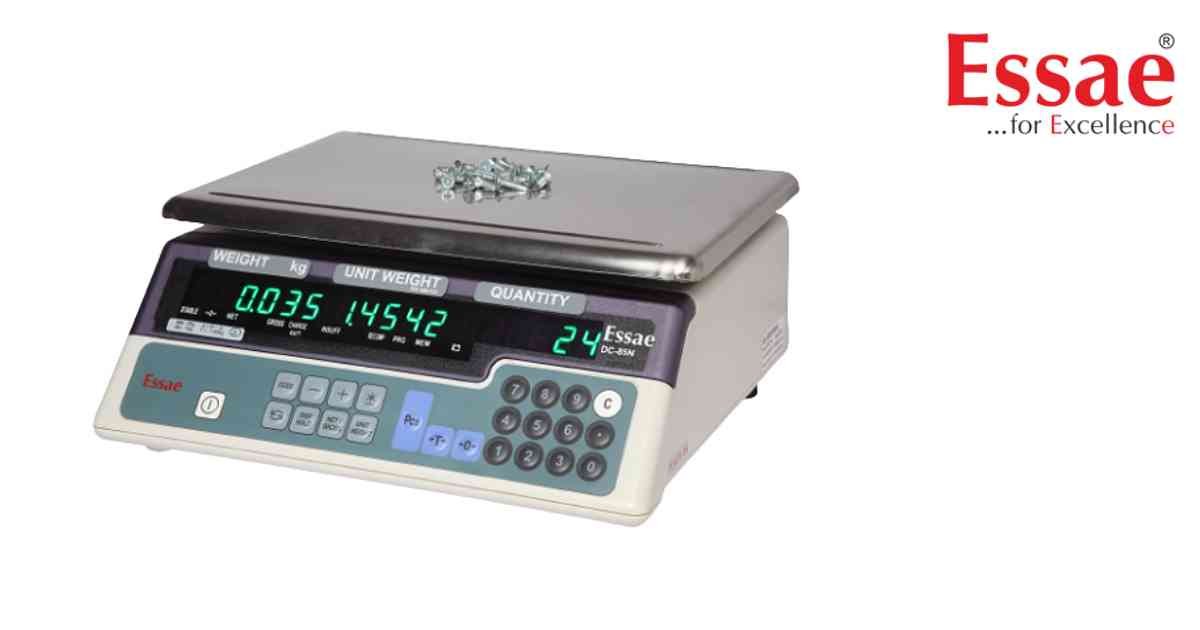
Data Transfer allows movement of weighing and counting information to external devices.
Procedure
1.) Connect computer or printer.
2.) Verify communication settings.
3.) Select transfer mode.
4.) Perform test transmission.
5.) Verify received data.
6.) Store records.
Transferred Information
1.) Weight.
2.) Quantity.
3.) Unit Weight.
4.) Accumulated Counts.
5.) Date and Time.
Applications
1.) Inventory management.
2.) Production reporting.
3.) Warehouse documentation.
4.) Audit records.
Benefits
1.) Faster reporting.
2.) Improved traceability.
3.) Reduced manual errors.
Procedure
1.) Connect computer or printer.
2.) Verify communication settings.
3.) Select transfer mode.
4.) Perform test transmission.
5.) Verify received data.
6.) Store records.
Transferred Information
1.) Weight.
2.) Quantity.
3.) Unit Weight.
4.) Accumulated Counts.
5.) Date and Time.
Applications
1.) Inventory management.
2.) Production reporting.
3.) Warehouse documentation.
4.) Audit records.
Benefits
1.) Faster reporting.
2.) Improved traceability.
3.) Reduced manual errors.
Looking for a new weighing machine?
Upgrade your operations with our latest high-precision scales. We offer a wide catalog of reliable and certified machines.
Related Calibration Guides
