Essae DC-85N Customer Specification Setup Guide
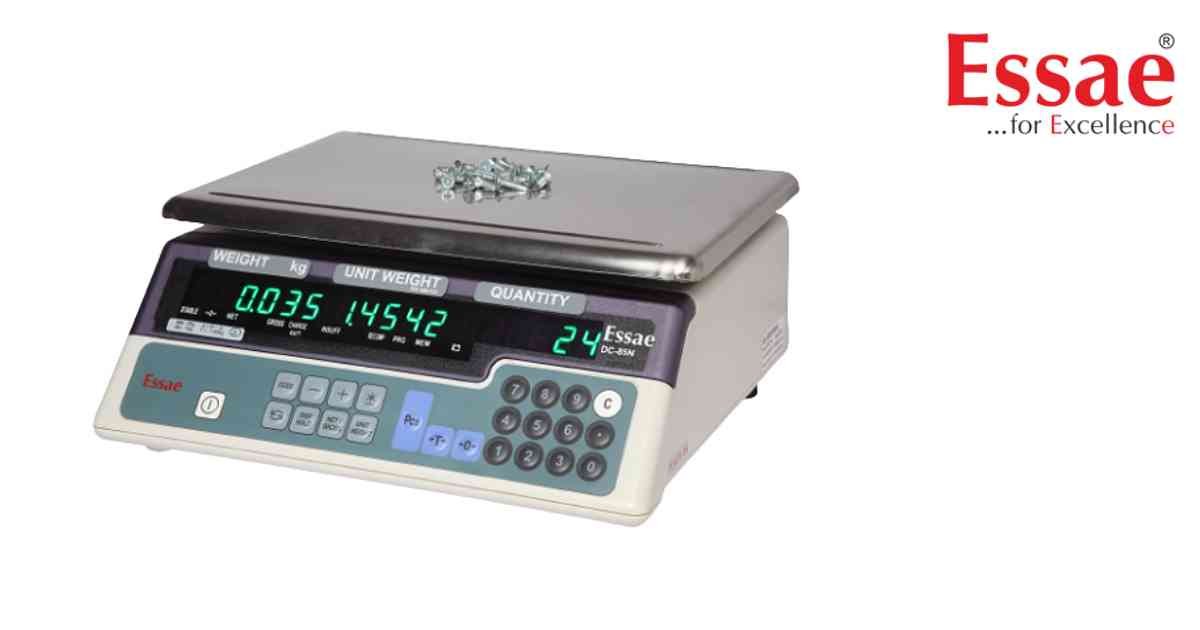
Customer Specification Mode allows advanced configuration of scale functions.
Procedure
1.) Hold REZERO key.
2.) Press 141 key sequence.
3.) Enter specification menu.
4.) Select desired parameter.
5.) Modify setting value.
6.) Save configuration.
7.) Exit setup mode.
Configurable Features
1.) RS232 settings.
2.) Setpoint settings.
3.) Print format.
4.) Communication mode.
5.) Display options.
6.) Unit settings.
7.) Power functions.
Best Practice
Record original settings before making changes.
Procedure
1.) Hold REZERO key.
2.) Press 141 key sequence.
3.) Enter specification menu.
4.) Select desired parameter.
5.) Modify setting value.
6.) Save configuration.
7.) Exit setup mode.
Configurable Features
1.) RS232 settings.
2.) Setpoint settings.
3.) Print format.
4.) Communication mode.
5.) Display options.
6.) Unit settings.
7.) Power functions.
Best Practice
Record original settings before making changes.
Looking for a new weighing machine?
Upgrade your operations with our latest high-precision scales. We offer a wide catalog of reliable and certified machines.
Related Calibration Guides
