Essae DC-85N Check Counting Setup Guide
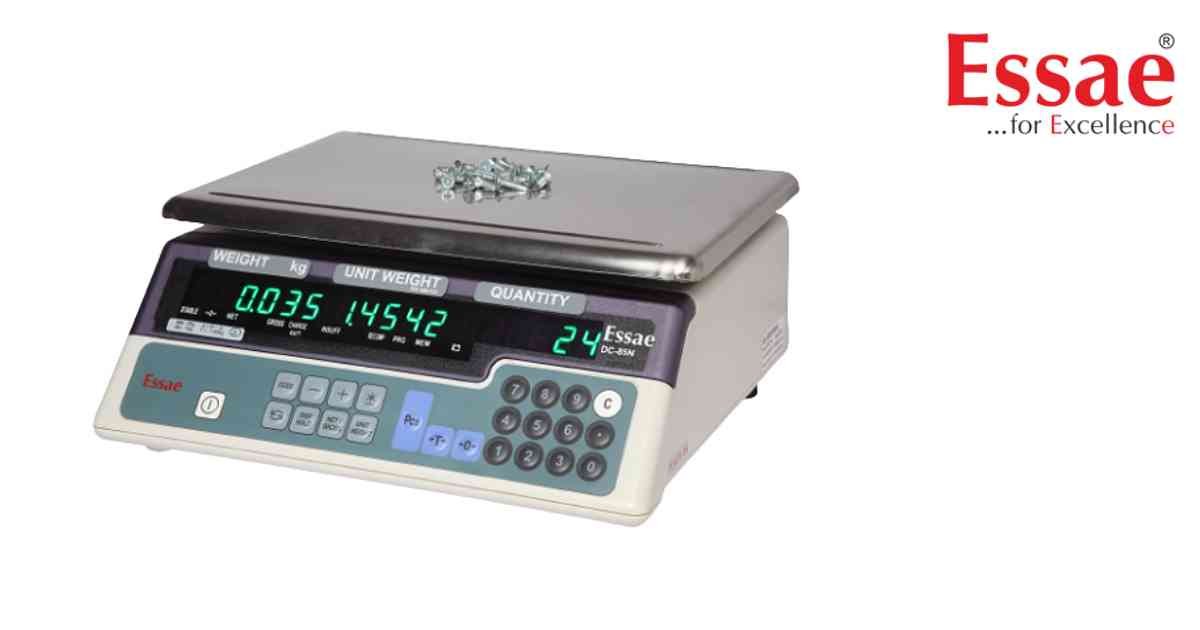
Check Counting allows operators to verify whether the counted quantity is below, within or above a target quantity.
Procedure
1.) Switch ON the scale.
2.) Enter counting mode.
3.) Create sample quantity.
4.) Calculate unit weight.
5.) Enter target quantity.
6.) Configure lower limit.
7.) Configure upper limit.
8.) Save settings.
9.) Place items on platform.
10.) Observe count status.
Applications
1.) Packing verification.
2.) Inventory control.
3.) Production counting.
4.) Warehouse operations.
Benefits
1.) Faster quantity verification.
2.) Reduced counting mistakes.
3.) Improved productivity.
Procedure
1.) Switch ON the scale.
2.) Enter counting mode.
3.) Create sample quantity.
4.) Calculate unit weight.
5.) Enter target quantity.
6.) Configure lower limit.
7.) Configure upper limit.
8.) Save settings.
9.) Place items on platform.
10.) Observe count status.
Applications
1.) Packing verification.
2.) Inventory control.
3.) Production counting.
4.) Warehouse operations.
Benefits
1.) Faster quantity verification.
2.) Reduced counting mistakes.
3.) Improved productivity.
Looking for a new weighing machine?
Upgrade your operations with our latest high-precision scales. We offer a wide catalog of reliable and certified machines.
Related Calibration Guides
