How to Bypass Password and Factory Reset Essae DC-810
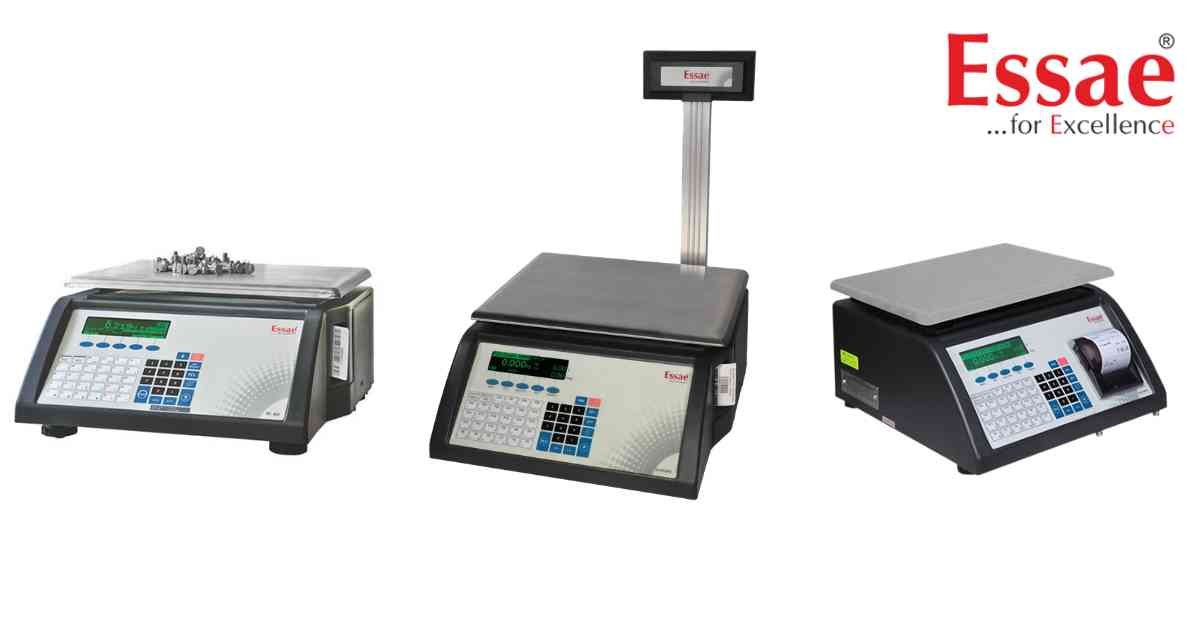
⚙️ Model Compatibility: Essae DC-810 and DC-815 Counting Scales.
If a previous operator has set a User Password on your Essae DC-810, you will be locked out of crucial menus like Scale Configuration, Hardware Mapping, and Diagnostics.
How to Override the Password:
1. Press the [Menu] soft key on the application screen.
2. When prompted for the password, enter the Master Override Password: 2507.
3. You now have full access to the system.
How to Clear the Old Password Completely:
1. Enter the Menu using the 2507 override password.
2. Navigate to [Settings] > [Set Password].
3. When prompted to enter a New Password, DO NOT type anything.
4. Simply press the [Enter] soft key while the field is blank.
5. The screen will display "Cleared". The scale is now unlocked for all users.
How to Perform a Factory Load Default:
1. Go to [Menu] > [Settings] > [Load Defaults].
2. Note: Ensure your Date and Time are set correctly before executing this, or the default process may fail.
3. Confirm the prompt. The machine will load factory parameters and automatically restart.
If a previous operator has set a User Password on your Essae DC-810, you will be locked out of crucial menus like Scale Configuration, Hardware Mapping, and Diagnostics.
How to Override the Password:
1. Press the [Menu] soft key on the application screen.
2. When prompted for the password, enter the Master Override Password: 2507.
3. You now have full access to the system.
How to Clear the Old Password Completely:
1. Enter the Menu using the 2507 override password.
2. Navigate to [Settings] > [Set Password].
3. When prompted to enter a New Password, DO NOT type anything.
4. Simply press the [Enter] soft key while the field is blank.
5. The screen will display "Cleared". The scale is now unlocked for all users.
How to Perform a Factory Load Default:
1. Go to [Menu] > [Settings] > [Load Defaults].
2. Note: Ensure your Date and Time are set correctly before executing this, or the default process may fail.
3. Confirm the prompt. The machine will load factory parameters and automatically restart.
Looking for a new weighing machine?
Upgrade your operations with our latest high-precision scales. We offer a wide catalog of reliable and certified machines.
Related Calibration Guides
