How to Perform Span Calibration on Essae AX Series Balances
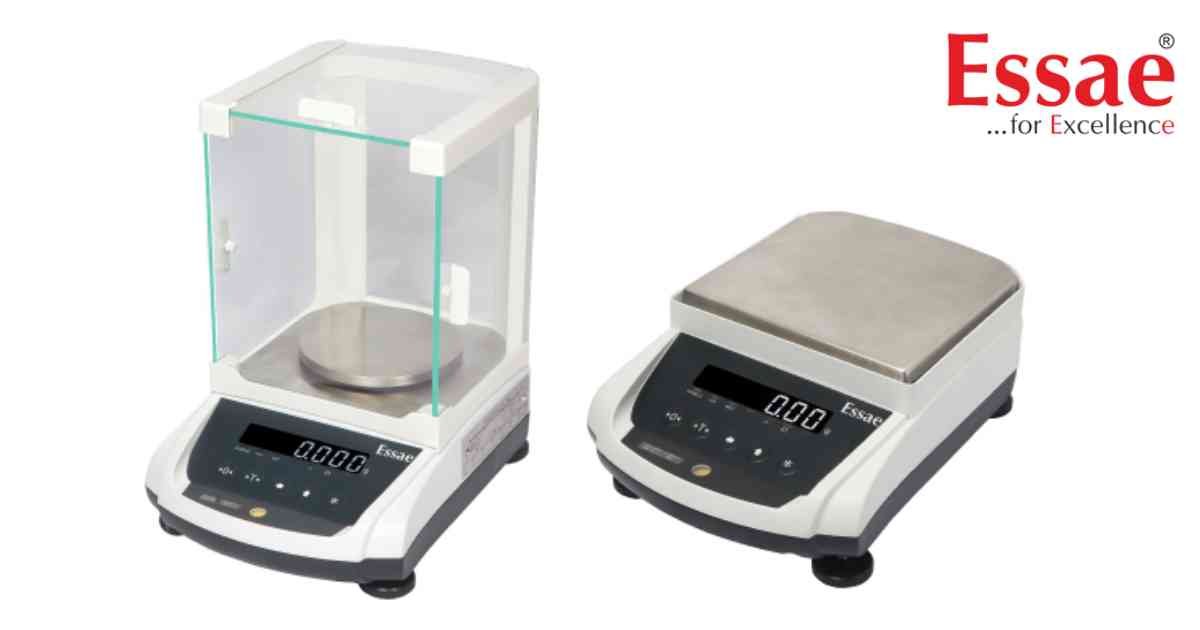
⚙️ Model Compatibility: Essae AX Series (AX-220, AX-320, AX-620, AX-1200, AX-2200, AX-3200).
Performing a span calibration is essential if your balance is displaying inaccurate readings, has been moved to a new geographic location, or is undergoing an annual metrology audit. Ensure the scale has been warmed up for at least 20 minutes before beginning this procedure.
Required Equipment:
You will need a verified standard test weight (e.g., 2kg, depending on your machine's capacity).
Step-by-Step Span Calibration Procedure:
1. Empty the Platter: Ensure the stainless steel weighing pan is completely empty and the scale reads 0.00.
2. Enter Calibration Mode: Press and hold the [↑] (Upward Arrow / Digit Increment) key continuously until the display changes.
3. Zero Point Registration: The screen will begin to blink "CAL 00". Wait for a moment. The display will then transition to blink "Load ut" (Load Weight).
4. Apply the Test Weight: Place your standard test weight (e.g., 2kg) gently onto the center of the platter. The machine's intelligent sensor will automatically detect the mass and display the exact test weight value on the screen.
5. Confirm the Span: While the test weight is still resting on the pan, press the [↑] (Upward Arrow) key one single time.
6. Processing: The screen will display "CAL SP" (Calibration Span). Do not touch the machine or the table for 2 to 3 seconds while the internal ADC processor locks in the new span value.
7. Calibration Complete: The display will automatically return to the standard weighing mode, showing the stable weight on the pan. Remove the weight to verify it returns perfectly to zero.
Troubleshooting Note:
If the machine fails to read the weight or displays an error during "CAL SP", the internal load cell sensor may be damaged. Contact UP Scales for advanced support or to explore a replacement setup.
Performing a span calibration is essential if your balance is displaying inaccurate readings, has been moved to a new geographic location, or is undergoing an annual metrology audit. Ensure the scale has been warmed up for at least 20 minutes before beginning this procedure.
Required Equipment:
You will need a verified standard test weight (e.g., 2kg, depending on your machine's capacity).
Step-by-Step Span Calibration Procedure:
1. Empty the Platter: Ensure the stainless steel weighing pan is completely empty and the scale reads 0.00.
2. Enter Calibration Mode: Press and hold the [↑] (Upward Arrow / Digit Increment) key continuously until the display changes.
3. Zero Point Registration: The screen will begin to blink "CAL 00". Wait for a moment. The display will then transition to blink "Load ut" (Load Weight).
4. Apply the Test Weight: Place your standard test weight (e.g., 2kg) gently onto the center of the platter. The machine's intelligent sensor will automatically detect the mass and display the exact test weight value on the screen.
5. Confirm the Span: While the test weight is still resting on the pan, press the [↑] (Upward Arrow) key one single time.
6. Processing: The screen will display "CAL SP" (Calibration Span). Do not touch the machine or the table for 2 to 3 seconds while the internal ADC processor locks in the new span value.
7. Calibration Complete: The display will automatically return to the standard weighing mode, showing the stable weight on the pan. Remove the weight to verify it returns perfectly to zero.
Troubleshooting Note:
If the machine fails to read the weight or displays an error during "CAL SP", the internal load cell sensor may be damaged. Contact UP Scales for advanced support or to explore a replacement setup.
Looking for a new weighing machine?
Upgrade your operations with our latest high-precision scales. We offer a wide catalog of reliable and certified machines.
Related Calibration Guides
