Essae AX Series Serial Print Format Guide
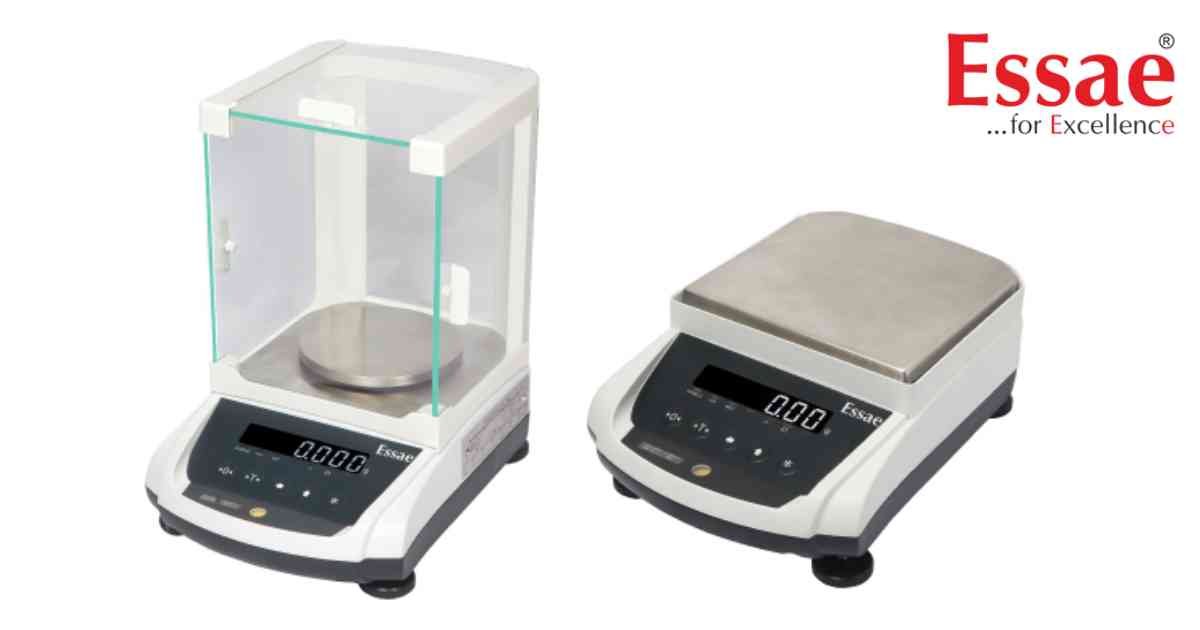
The AX Series supports serial data output for documentation, printer connection and computer communication.
Serial Print Information
1.) Gross Weight
2.) Net Weight
3.) Tare Weight
4.) Unit
5.) Stability Status
6.) Date (where applicable)
7.) Time (where applicable)
Configuration Procedure
1.) Connect the printer or computer.
2.) Configure RS232 parameters.
3.) Select print mode.
4.) Perform a test print.
5.) Verify output format.
Applications
1.) Laboratory documentation.
2.) Production records.
3.) Quality control.
4.) Audit documentation.
Benefits
1.) Automatic record generation.
2.) Reduced manual recording.
3.) Improved traceability.
Serial Print Information
1.) Gross Weight
2.) Net Weight
3.) Tare Weight
4.) Unit
5.) Stability Status
6.) Date (where applicable)
7.) Time (where applicable)
Configuration Procedure
1.) Connect the printer or computer.
2.) Configure RS232 parameters.
3.) Select print mode.
4.) Perform a test print.
5.) Verify output format.
Applications
1.) Laboratory documentation.
2.) Production records.
3.) Quality control.
4.) Audit documentation.
Benefits
1.) Automatic record generation.
2.) Reduced manual recording.
3.) Improved traceability.
Looking for a new weighing machine?
Upgrade your operations with our latest high-precision scales. We offer a wide catalog of reliable and certified machines.
Related Calibration Guides
