Essae AX Series RS-232C Pinout and PC Connection Guide
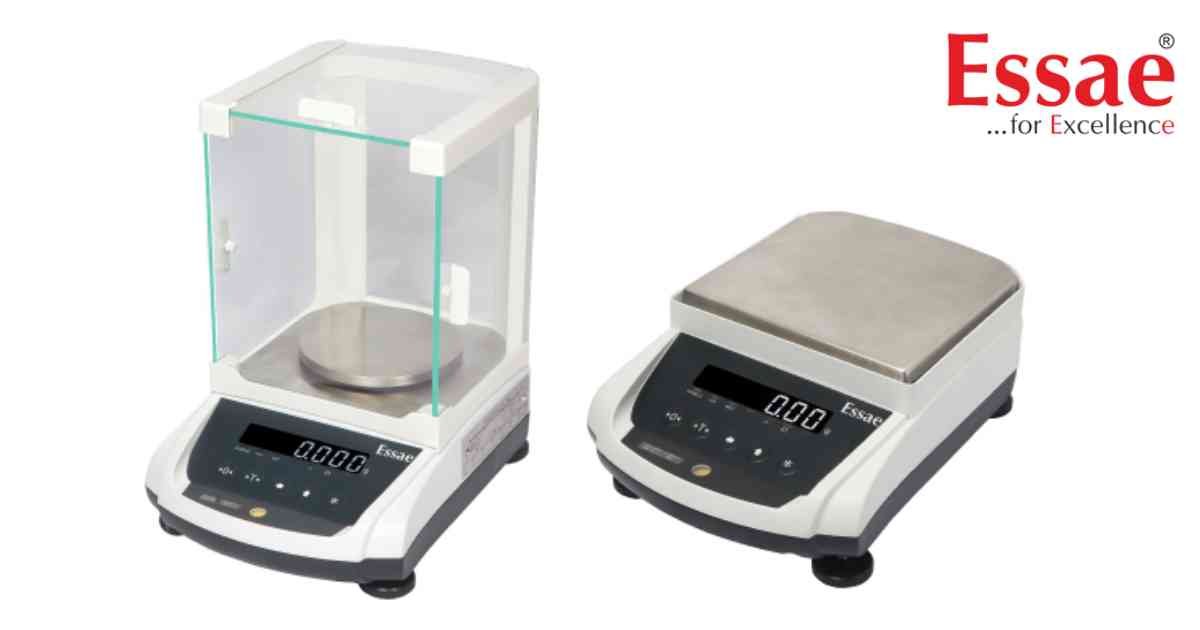
⚙️ Model Compatibility: Essae AX Series (AX-220, AX-320, AX-620, AX-1200, AX-2200, AX-3200).
To connect your Essae AX Series balance to a PC or peripheral device, you must use a standard 6-pin Mini-DIN connector on the balance side, wired to a 9-pin 'D' Type (DB9) connector on the computer side.
Hardware Wiring Pinout:
- Balance Pin 1 (TXD) wires to -> PC Pin 2 (RXD)
- Balance Pin 2 (RXD) wires to -> PC Pin 3 (TXD)
- Balance Pin 5 (GND) wires to -> PC Pin 5 (GND)
Data Transfer Modes:
The balance supports multiple data transfer protocols configured via parameter "C11 LSD":
- Stream Mode (Continuous output)
- Manual Mode (Transmits only when the [*] key is pressed)
- Command Mode (Transmits when "CTRL+E" or "W" is received from the PC software)
- Auto Weight Transfer (Transmits automatically once a stable weight is locked)
Communication Parameters:
Default baud rates and parity can be configured under customer specification "C10". Supported speeds include 1200, 2400, 4800, 9600, 19200, 38400, 57600, and 115200. Ensure your PC software matches the scale's baud rate exactly. Note: Any changes to RS232 settings require a power cycle (OFF/ON) to take effect.
To connect your Essae AX Series balance to a PC or peripheral device, you must use a standard 6-pin Mini-DIN connector on the balance side, wired to a 9-pin 'D' Type (DB9) connector on the computer side.
Hardware Wiring Pinout:
- Balance Pin 1 (TXD) wires to -> PC Pin 2 (RXD)
- Balance Pin 2 (RXD) wires to -> PC Pin 3 (TXD)
- Balance Pin 5 (GND) wires to -> PC Pin 5 (GND)
Data Transfer Modes:
The balance supports multiple data transfer protocols configured via parameter "C11 LSD":
- Stream Mode (Continuous output)
- Manual Mode (Transmits only when the [*] key is pressed)
- Command Mode (Transmits when "CTRL+E" or "W" is received from the PC software)
- Auto Weight Transfer (Transmits automatically once a stable weight is locked)
Communication Parameters:
Default baud rates and parity can be configured under customer specification "C10". Supported speeds include 1200, 2400, 4800, 9600, 19200, 38400, 57600, and 115200. Ensure your PC software matches the scale's baud rate exactly. Note: Any changes to RS232 settings require a power cycle (OFF/ON) to take effect.
Looking for a new weighing machine?
Upgrade your operations with our latest high-precision scales. We offer a wide catalog of reliable and certified machines.
Related Calibration Guides
