Essae AX Series Remote Display Setup Guide
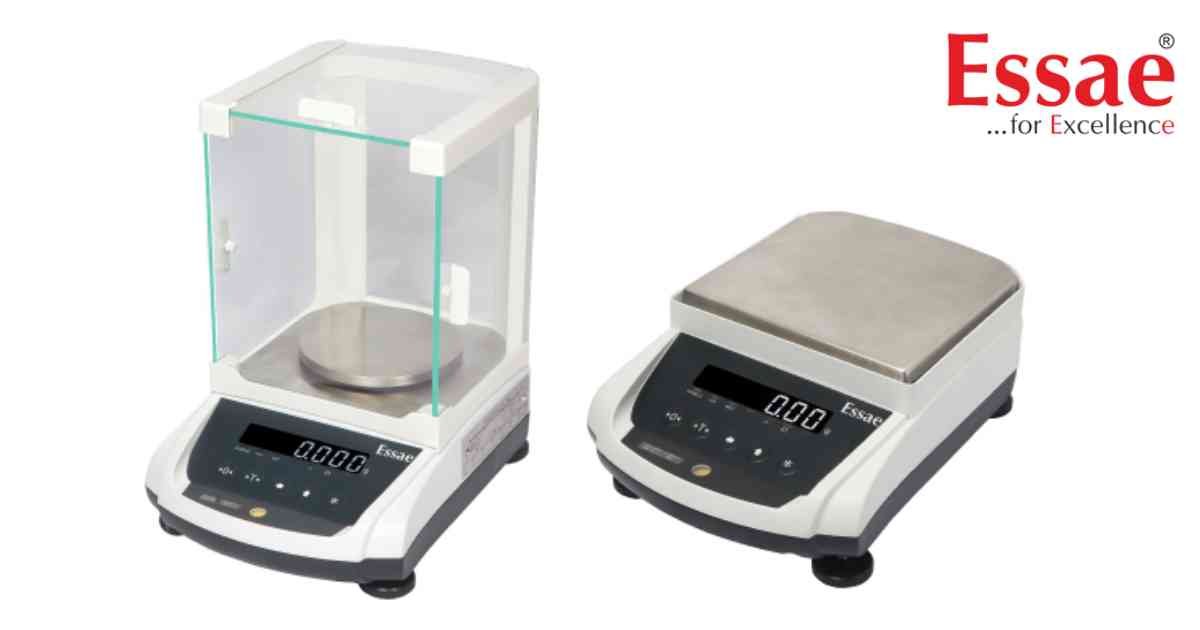
Some AX Series configurations support a remote display, allowing operators to view weighing results from another location.
Setup Procedure
1.) Switch OFF the balance.
2.) Connect the remote display cable.
3.) Verify all connectors.
4.) Switch ON the balance.
5.) Confirm that both displays operate correctly.
6.) Perform a test weighing.
Advantages
1.) Improved visibility.
2.) Better operator convenience.
3.) Suitable for production environments.
4.) Useful for customer-facing counters.
Maintenance Tips
1.) Inspect connectors periodically.
2.) Avoid cable damage.
3.) Keep connectors free from dust and moisture.
Setup Procedure
1.) Switch OFF the balance.
2.) Connect the remote display cable.
3.) Verify all connectors.
4.) Switch ON the balance.
5.) Confirm that both displays operate correctly.
6.) Perform a test weighing.
Advantages
1.) Improved visibility.
2.) Better operator convenience.
3.) Suitable for production environments.
4.) Useful for customer-facing counters.
Maintenance Tips
1.) Inspect connectors periodically.
2.) Avoid cable damage.
3.) Keep connectors free from dust and moisture.
Looking for a new weighing machine?
Upgrade your operations with our latest high-precision scales. We offer a wide catalog of reliable and certified machines.
Related Calibration Guides
