Essae AX Series Power Connection Guide
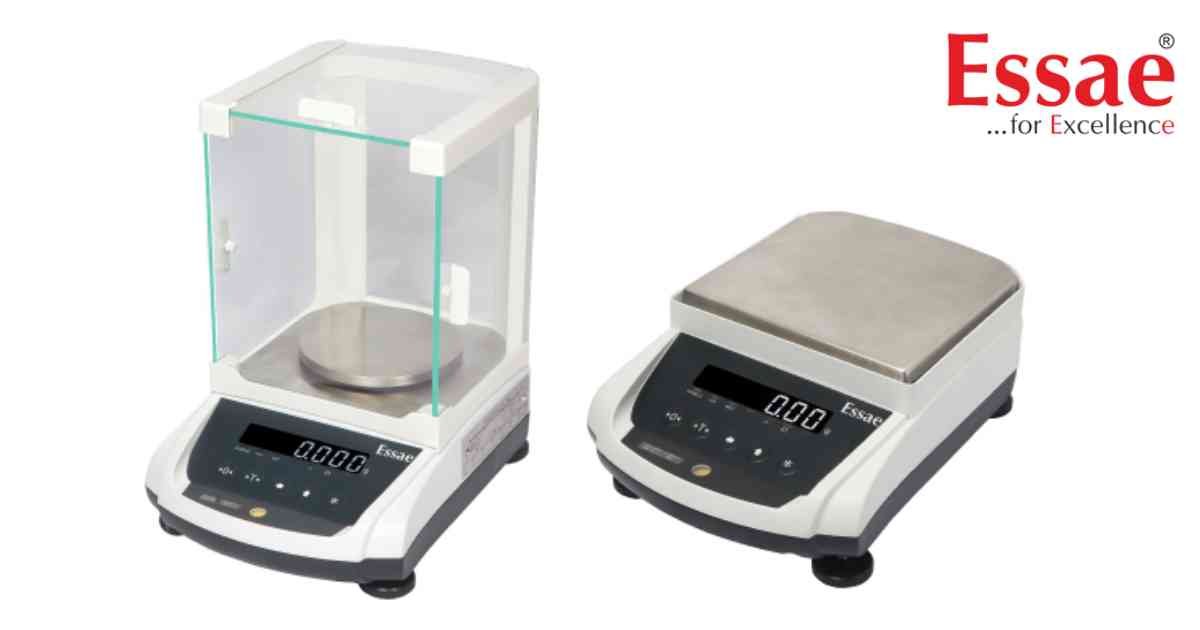
The AX Series balance must be connected to a stable power source using the supplied AC adapter to ensure accurate weighing performance.
Power Connection Procedure
1.) Verify the AC adapter supplied with the balance.
2.) Connect the adapter to the DC input connector.
3.) Plug the adapter into a grounded AC outlet.
4.) Switch ON the power supply.
5.) Allow the balance to warm up before weighing.
Best Practices
1.) Use only the original Essae adapter.
2.) Avoid extension boards with heavy electrical loads.
3.) Keep the power cable away from moving equipment.
4.) Disconnect power before cleaning the balance.
Common Problems
1.) Loose DC connector.
2.) Incorrect power adapter.
3.) Voltage fluctuations.
4.) Damaged power cable.
Benefits
1.) Stable operation.
2.) Improved weighing accuracy.
3.) Longer equipment life.
Power Connection Procedure
1.) Verify the AC adapter supplied with the balance.
2.) Connect the adapter to the DC input connector.
3.) Plug the adapter into a grounded AC outlet.
4.) Switch ON the power supply.
5.) Allow the balance to warm up before weighing.
Best Practices
1.) Use only the original Essae adapter.
2.) Avoid extension boards with heavy electrical loads.
3.) Keep the power cable away from moving equipment.
4.) Disconnect power before cleaning the balance.
Common Problems
1.) Loose DC connector.
2.) Incorrect power adapter.
3.) Voltage fluctuations.
4.) Damaged power cable.
Benefits
1.) Stable operation.
2.) Improved weighing accuracy.
3.) Longer equipment life.
Looking for a new weighing machine?
Upgrade your operations with our latest high-precision scales. We offer a wide catalog of reliable and certified machines.
Related Calibration Guides
