Essae AX Series Piece Counting Guide
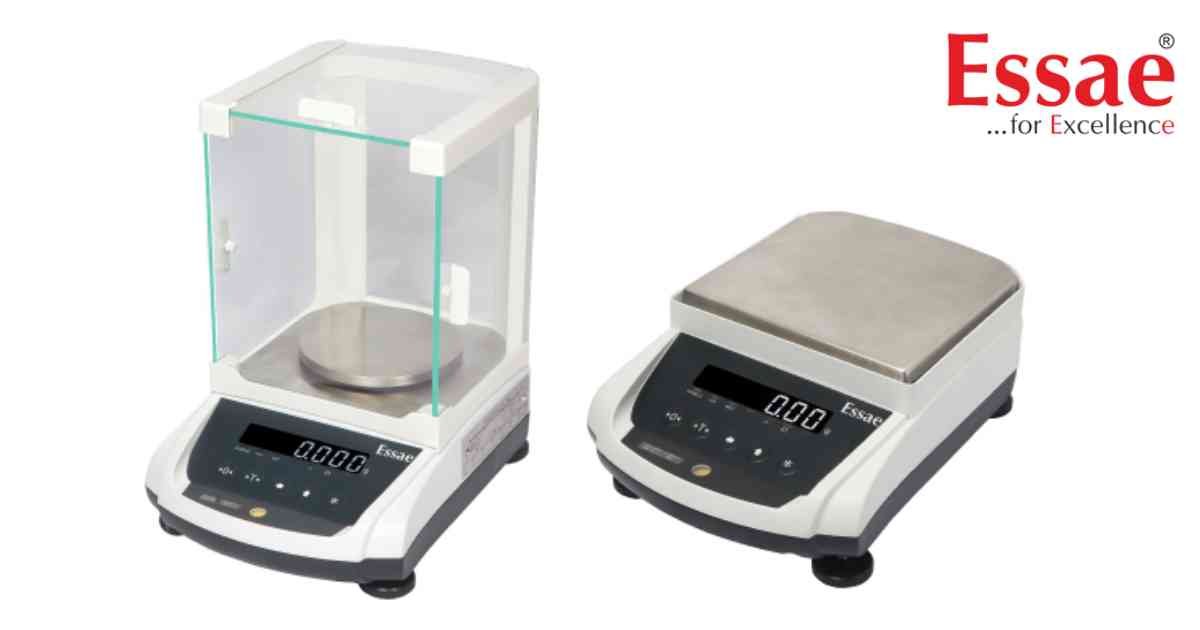
The Piece Counting function allows the AX Series balance to calculate the quantity of identical components based on the average unit weight.
Applications
1.) Electronic components
2.) Screws and fasteners
3.) Pharmaceutical tablets
4.) Plastic parts
5.) Hardware inventory
Piece Counting Procedure
1.) Switch ON the balance.
2.) Ensure the display reads zero.
3.) Place the sample quantity on the pan.
4.) Enter the sample quantity.
5.) Allow the balance to calculate the average unit weight.
6.) Add the remaining items.
7.) Read the displayed quantity.
Best Practices
1.) Use a larger sample quantity for lightweight parts.
2.) Remove vibration before counting.
3.) Verify unit weight periodically.
Benefits
1.) Fast inventory counting.
2.) Reduced manual errors.
3.) Improved warehouse productivity.
Applications
1.) Electronic components
2.) Screws and fasteners
3.) Pharmaceutical tablets
4.) Plastic parts
5.) Hardware inventory
Piece Counting Procedure
1.) Switch ON the balance.
2.) Ensure the display reads zero.
3.) Place the sample quantity on the pan.
4.) Enter the sample quantity.
5.) Allow the balance to calculate the average unit weight.
6.) Add the remaining items.
7.) Read the displayed quantity.
Best Practices
1.) Use a larger sample quantity for lightweight parts.
2.) Remove vibration before counting.
3.) Verify unit weight periodically.
Benefits
1.) Fast inventory counting.
2.) Reduced manual errors.
3.) Improved warehouse productivity.
Looking for a new weighing machine?
Upgrade your operations with our latest high-precision scales. We offer a wide catalog of reliable and certified machines.
Related Calibration Guides
