Essae AX Series Display Indicators Guide
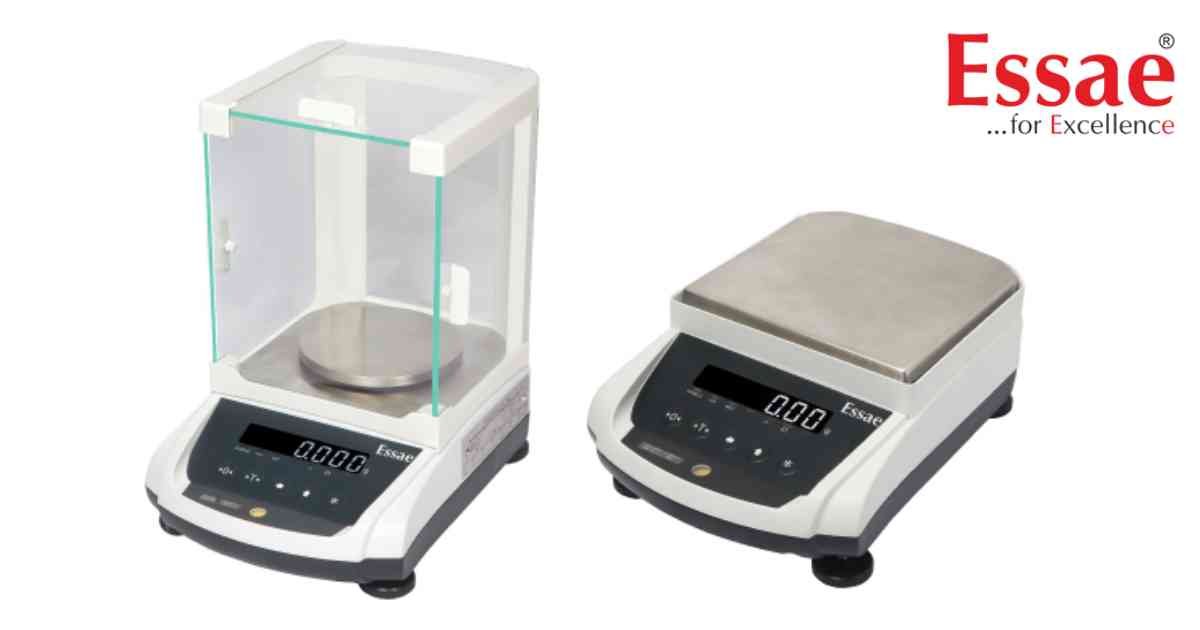
The AX Series display provides visual indicators that help operators understand the current operating status of the balance.
Common Display Indicators
1.) Zero Indicator.
2.) Stability Indicator.
3.) Net Weight Indicator.
4.) Gross Weight Indicator.
5.) Tare Indicator.
6.) Unit Indicator.
7.) Calibration Indicator.
8.) Communication Indicator.
9.) Battery Status (where applicable).
Understanding the Display
1.) Wait for the stability indicator before recording weight.
2.) Verify the Zero indicator before weighing.
3.) Confirm the correct weighing unit.
4.) Observe warning messages if displayed.
Best Practices
1.) Keep the display clean.
2.) Avoid direct sunlight.
3.) Do not record readings until the stability symbol appears.
Benefits
1.) Faster operation.
2.) Reduced operator errors.
3.) Improved weighing accuracy.
Common Display Indicators
1.) Zero Indicator.
2.) Stability Indicator.
3.) Net Weight Indicator.
4.) Gross Weight Indicator.
5.) Tare Indicator.
6.) Unit Indicator.
7.) Calibration Indicator.
8.) Communication Indicator.
9.) Battery Status (where applicable).
Understanding the Display
1.) Wait for the stability indicator before recording weight.
2.) Verify the Zero indicator before weighing.
3.) Confirm the correct weighing unit.
4.) Observe warning messages if displayed.
Best Practices
1.) Keep the display clean.
2.) Avoid direct sunlight.
3.) Do not record readings until the stability symbol appears.
Benefits
1.) Faster operation.
2.) Reduced operator errors.
3.) Improved weighing accuracy.
Looking for a new weighing machine?
Upgrade your operations with our latest high-precision scales. We offer a wide catalog of reliable and certified machines.
Related Calibration Guides
