Essae AX Series Customer Specification Programming Guide
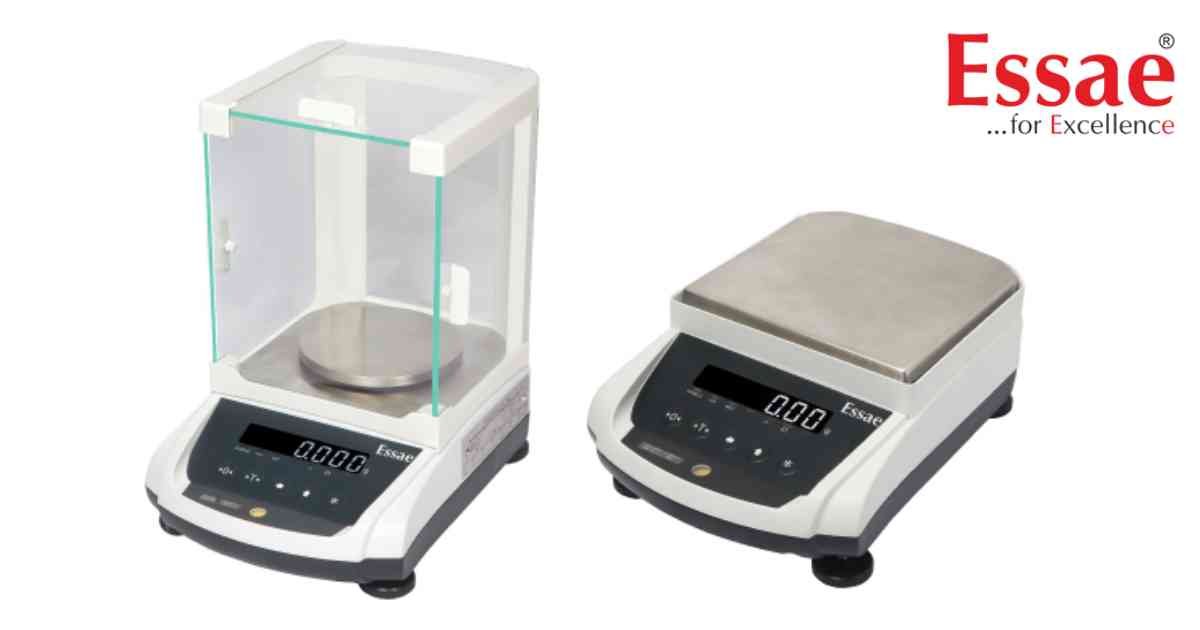
Customer Specification Programming allows authorized users to configure advanced operating parameters of the Essae AX Series balance.
Available Configuration Options
1.) Communication parameters
2.) Print settings
3.) Display behaviour
4.) Auto zero tracking
5.) Stability detection
6.) Power management
7.) Calibration options
8.) Weighing modes
Programming Procedure
1.) Switch OFF the balance.
2.) Enter Customer Specification Mode.
3.) Navigate using the function keys.
4.) Select the required parameter.
5.) Modify the setting.
6.) Save the configuration.
7.) Restart the balance.
Best Practices
1.) Record existing settings before making changes.
2.) Change one parameter at a time.
3.) Verify correct operation after saving.
Available Configuration Options
1.) Communication parameters
2.) Print settings
3.) Display behaviour
4.) Auto zero tracking
5.) Stability detection
6.) Power management
7.) Calibration options
8.) Weighing modes
Programming Procedure
1.) Switch OFF the balance.
2.) Enter Customer Specification Mode.
3.) Navigate using the function keys.
4.) Select the required parameter.
5.) Modify the setting.
6.) Save the configuration.
7.) Restart the balance.
Best Practices
1.) Record existing settings before making changes.
2.) Change one parameter at a time.
3.) Verify correct operation after saving.
Looking for a new weighing machine?
Upgrade your operations with our latest high-precision scales. We offer a wide catalog of reliable and certified machines.
Related Calibration Guides
