Essae AX Series Accumulation Function Guide
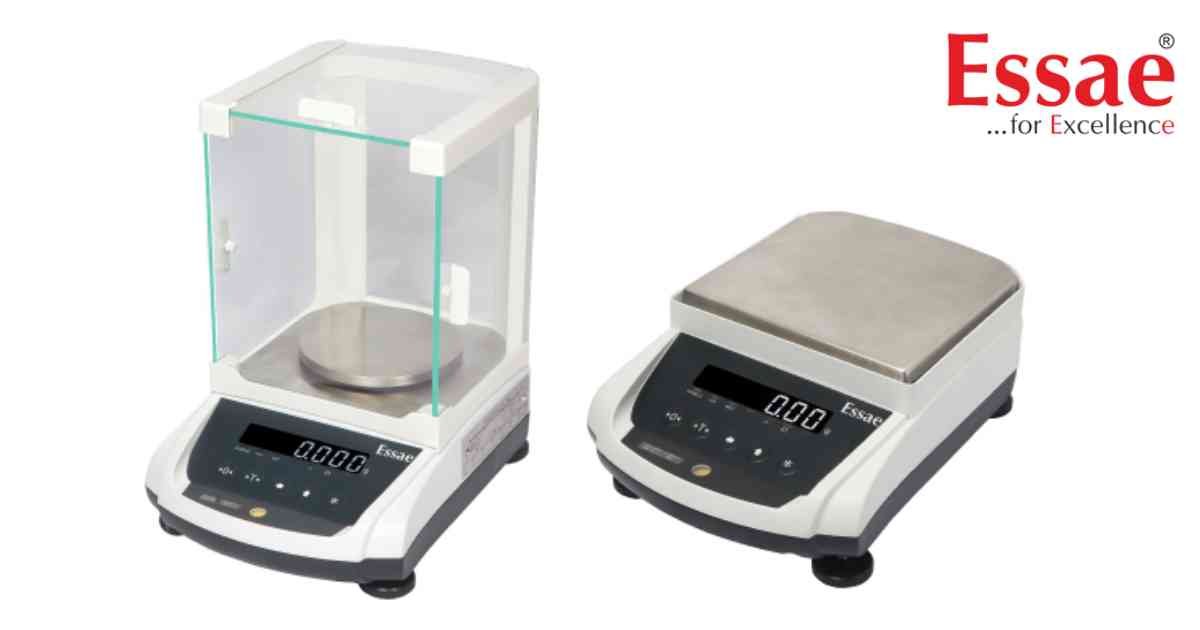
The Accumulation Function stores multiple weighing results and calculates a running total.
Applications
1.) Batch production.
2.) Packaging.
3.) Inventory management.
4.) Production reporting.
5.) Dispatch operations.
Procedure
1.) Switch ON the balance.
2.) Perform the first weighing.
3.) Press the ACCUMULATE key or select the accumulation function.
4.) Remove the sample.
5.) Place the next sample.
6.) Repeat until all batches are completed.
7.) View the accumulated total.
8.) Print or transfer the accumulated data if required.
Benefits
1.) Faster batch weighing.
2.) Automatic total calculation.
3.) Reduced recording errors.
Applications
1.) Batch production.
2.) Packaging.
3.) Inventory management.
4.) Production reporting.
5.) Dispatch operations.
Procedure
1.) Switch ON the balance.
2.) Perform the first weighing.
3.) Press the ACCUMULATE key or select the accumulation function.
4.) Remove the sample.
5.) Place the next sample.
6.) Repeat until all batches are completed.
7.) View the accumulated total.
8.) Print or transfer the accumulated data if required.
Benefits
1.) Faster batch weighing.
2.) Automatic total calculation.
3.) Reduced recording errors.
Looking for a new weighing machine?
Upgrade your operations with our latest high-precision scales. We offer a wide catalog of reliable and certified machines.
Related Calibration Guides
