A&D HD Series Basic Counting Operation Guide
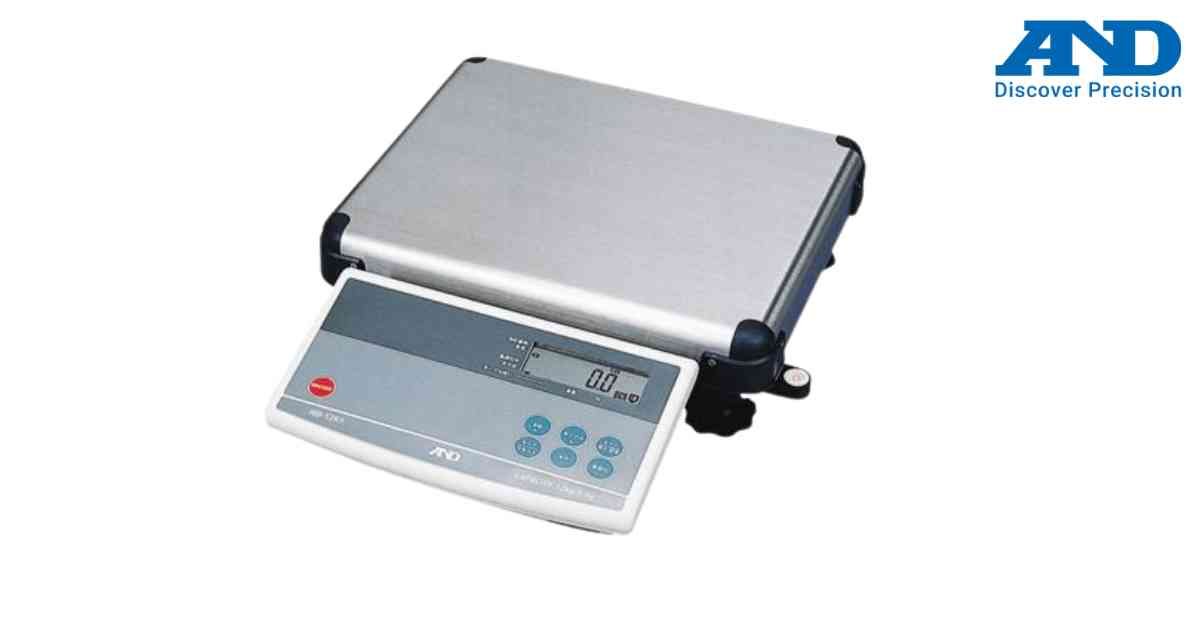
Basic counting mode calculates the quantity of identical items using a stored unit weight.
Procedure
1.) Power ON the scale.
2.) Press ZERO if necessary.
3.) Store a unit weight using the SAMPLE key.
4.) Place items on the weighing pan.
5.) The display automatically calculates piece count.
6.) Remove items after counting is complete.
Tips
1.) Use larger sample sizes for better accuracy.
2.) Ensure the stability indicator is ON before reading.
Procedure
1.) Power ON the scale.
2.) Press ZERO if necessary.
3.) Store a unit weight using the SAMPLE key.
4.) Place items on the weighing pan.
5.) The display automatically calculates piece count.
6.) Remove items after counting is complete.
Tips
1.) Use larger sample sizes for better accuracy.
2.) Ensure the stability indicator is ON before reading.
Looking for a new weighing machine?
Upgrade your operations with our latest high-precision scales. We offer a wide catalog of reliable and certified machines.
Related Calibration Guides
