A&D HD Series Accumulation Function Guide
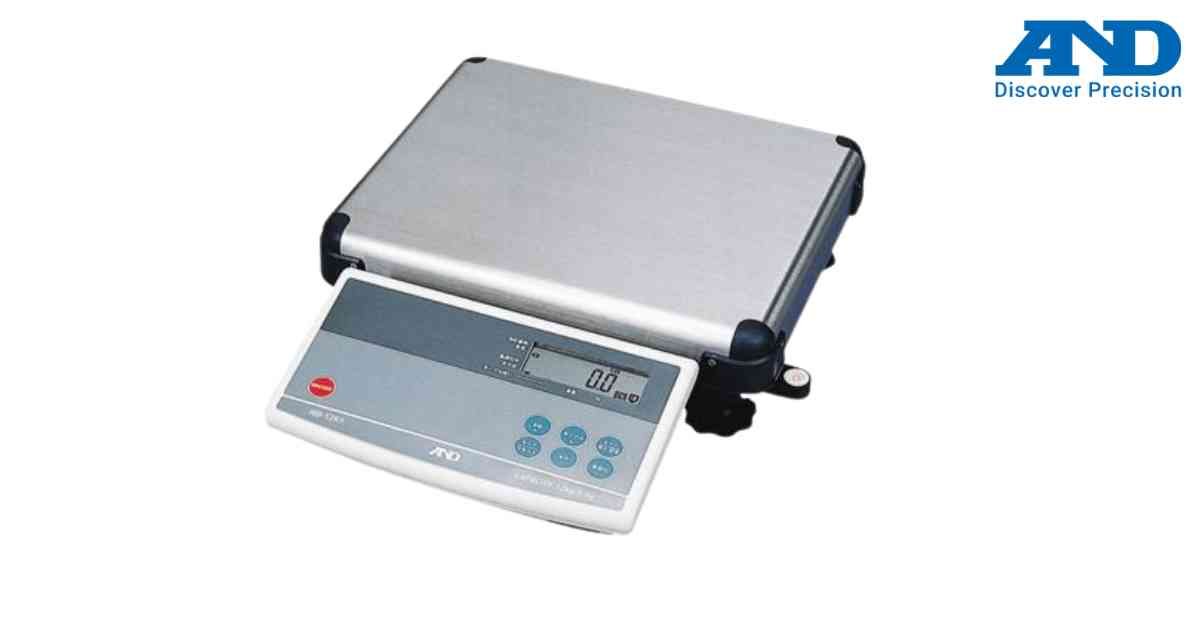
The Accumulation function stores multiple weighing or counting results and displays the total.
Procedure
1.) Turn ON the scale.
2.) Enable Accumulation Mode.
3.) Place the first load.
4.) Press ADD or ACCUM key.
5.) Remove the load.
6.) Repeat for additional loads.
7.) View the accumulated total.
Benefits
1.) Batch weighing
2.) Inventory counting
3.) Shipping preparation
4.) Production totals
Procedure
1.) Turn ON the scale.
2.) Enable Accumulation Mode.
3.) Place the first load.
4.) Press ADD or ACCUM key.
5.) Remove the load.
6.) Repeat for additional loads.
7.) View the accumulated total.
Benefits
1.) Batch weighing
2.) Inventory counting
3.) Shipping preparation
4.) Production totals
Looking for a new weighing machine?
Upgrade your operations with our latest high-precision scales. We offer a wide catalog of reliable and certified machines.
Related Calibration Guides
