A&D GX Series RS232 Communication Guide
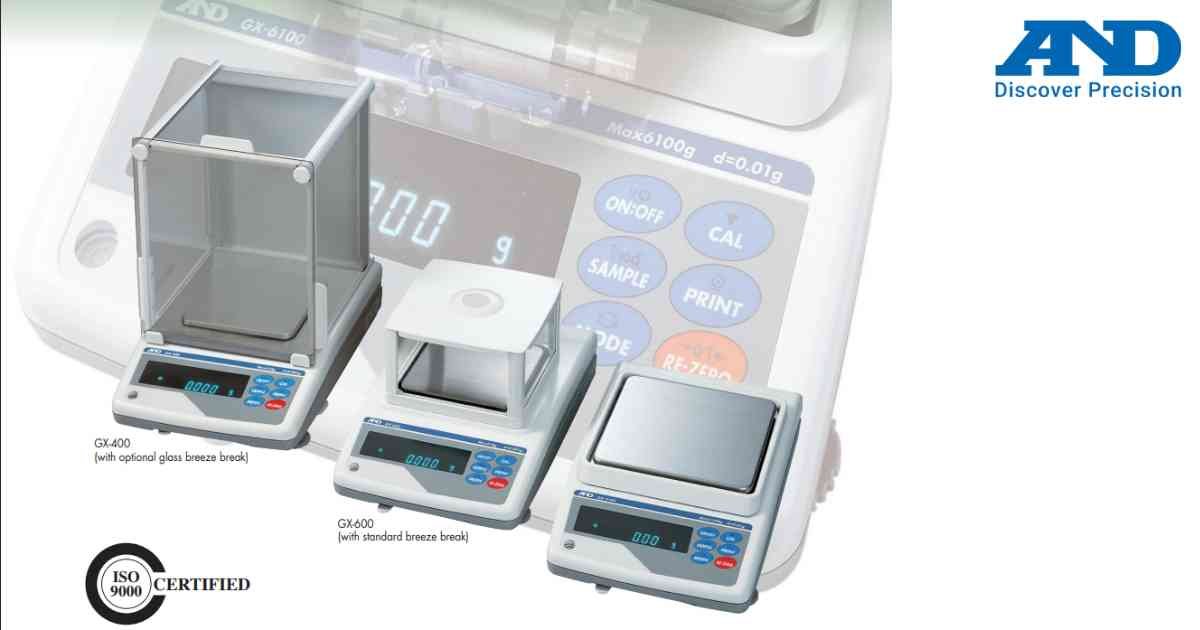
RS232 communication enables direct connection between the GX Series balance and computers, printers or data collection systems.
Procedure
1.) Power OFF the balance.
2.) Connect the RS232 communication cable.
3.) Turn ON the balance.
4.) Open Communication Settings.
5.) Configure baud rate and data format.
6.) Save settings.
7.) Test communication using a computer or printer.
Notes
1.) Use compatible communication parameters.
2.) Verify cable connections before troubleshooting.
3.) Restart the balance after changing communication settings.
Procedure
1.) Power OFF the balance.
2.) Connect the RS232 communication cable.
3.) Turn ON the balance.
4.) Open Communication Settings.
5.) Configure baud rate and data format.
6.) Save settings.
7.) Test communication using a computer or printer.
Notes
1.) Use compatible communication parameters.
2.) Verify cable connections before troubleshooting.
3.) Restart the balance after changing communication settings.
Looking for a new weighing machine?
Upgrade your operations with our latest high-precision scales. We offer a wide catalog of reliable and certified machines.
Related Calibration Guides
