A&D GX Series GLP Report Setup Guide
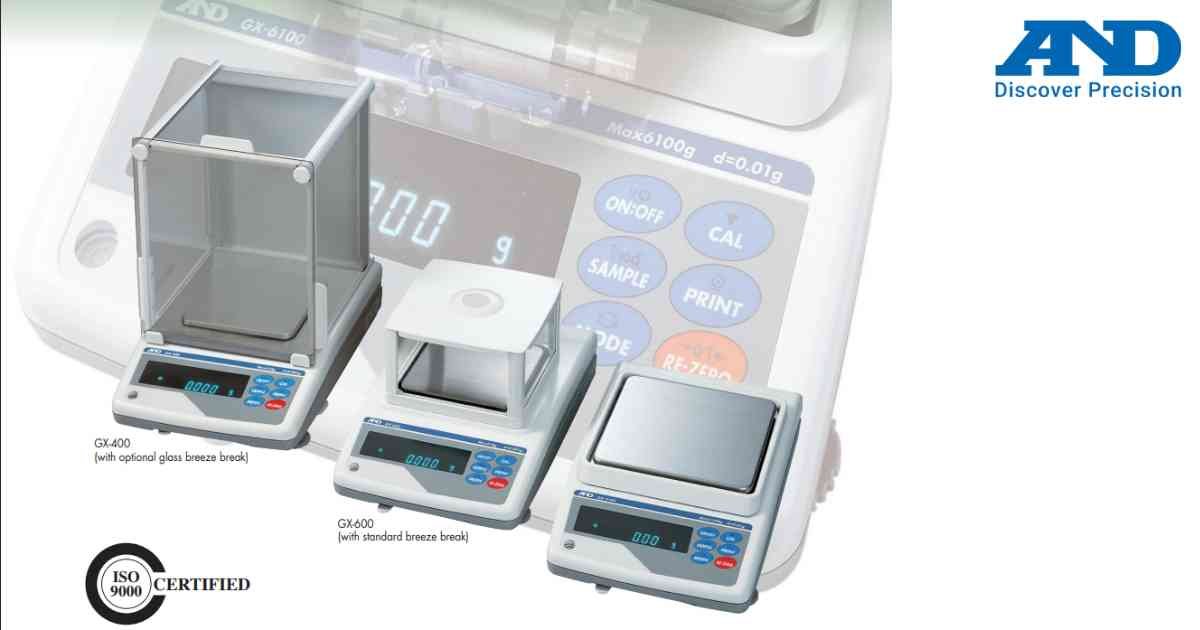
GLP reporting provides traceable calibration and weighing records for laboratory quality systems.
Procedure
1.) Open Function Menu.
2.) Select GLP Settings.
3.) Configure report format.
4.) Set ID information.
5.) Connect printer or computer.
6.) Save configuration.
7.) Perform a test report.
GLP reports improve documentation and regulatory compliance.
Procedure
1.) Open Function Menu.
2.) Select GLP Settings.
3.) Configure report format.
4.) Set ID information.
5.) Connect printer or computer.
6.) Save configuration.
7.) Perform a test report.
GLP reports improve documentation and regulatory compliance.
Looking for a new weighing machine?
Upgrade your operations with our latest high-precision scales. We offer a wide catalog of reliable and certified machines.
Related Calibration Guides
