A&D GX Series Function Switch Configuration Guide
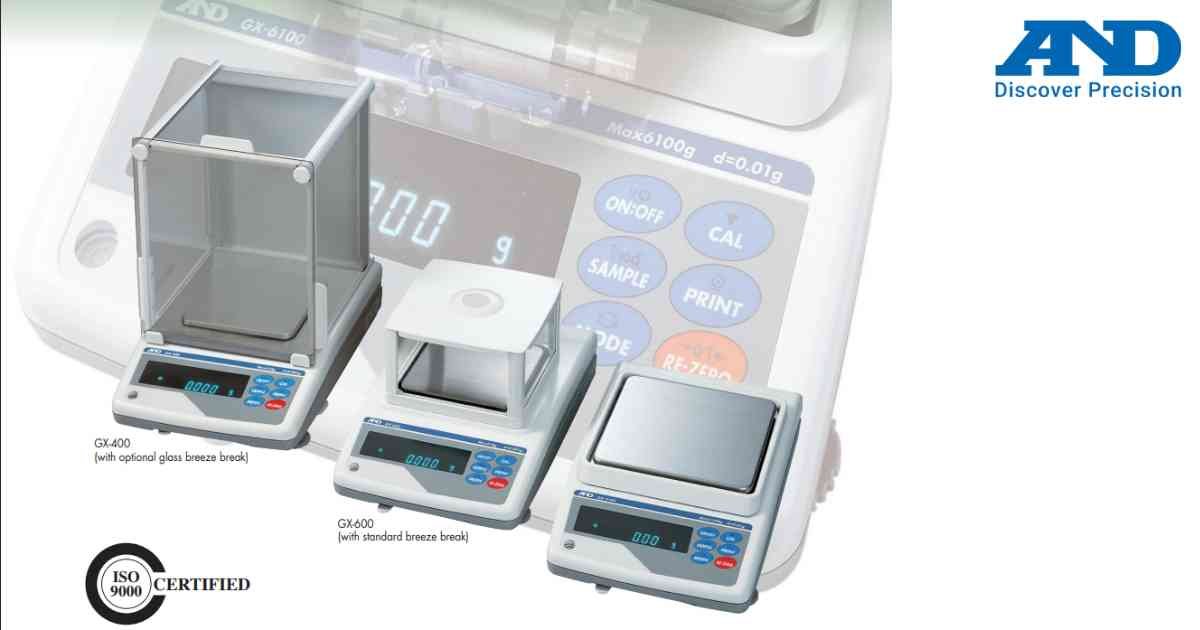
Function Switch Configuration allows users to enable or disable balance functions according to application requirements.
Procedure
1.) Power ON the balance.
2.) Enter Function Menu.
3.) Select Function Switch.
4.) Navigate through available options.
5.) Enable or disable required functions.
6.) Save settings.
7.) Restart the balance if required.
Always document original settings before making changes.
Procedure
1.) Power ON the balance.
2.) Enter Function Menu.
3.) Select Function Switch.
4.) Navigate through available options.
5.) Enable or disable required functions.
6.) Save settings.
7.) Restart the balance if required.
Always document original settings before making changes.
Looking for a new weighing machine?
Upgrade your operations with our latest high-precision scales. We offer a wide catalog of reliable and certified machines.
Related Calibration Guides
