A&D GX Series Data Memory Setup Guide
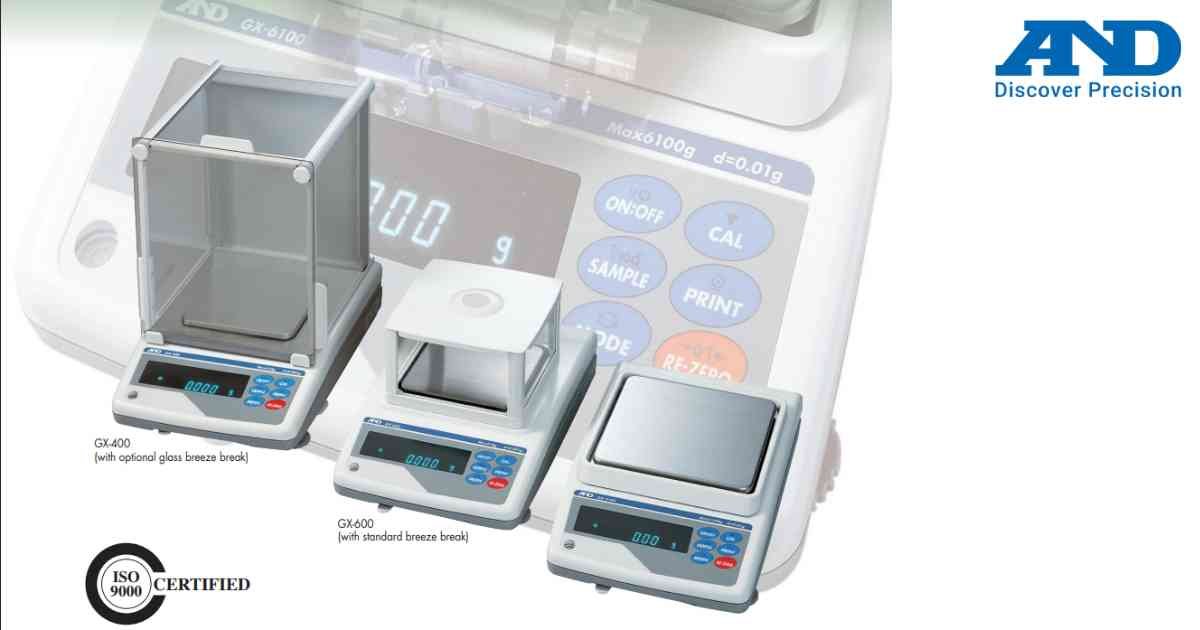
The Data Memory function stores weighing records, calibration results and GLP reports for later retrieval.
Procedure
1.) Enter Function Menu.
2.) Open Data Memory settings.
3.) Select storage mode.
4.) Configure automatic or manual recording.
5.) Save settings.
6.) Verify available memory capacity.
Regularly export stored data to avoid memory overflow.
Procedure
1.) Enter Function Menu.
2.) Open Data Memory settings.
3.) Select storage mode.
4.) Configure automatic or manual recording.
5.) Save settings.
6.) Verify available memory capacity.
Regularly export stored data to avoid memory overflow.
Looking for a new weighing machine?
Upgrade your operations with our latest high-precision scales. We offer a wide catalog of reliable and certified machines.
Related Calibration Guides
