A&D GX Series Counting Mode Setup Guide
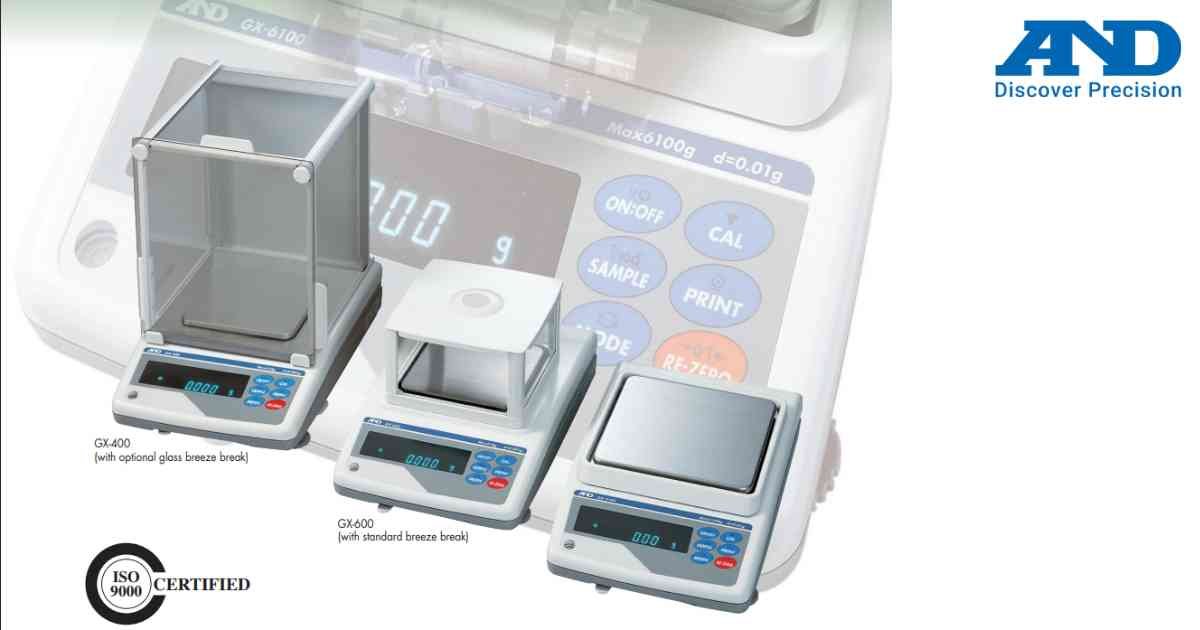
Counting Mode calculates the quantity of identical parts using reference sample weight.
Procedure
1.) Turn ON the balance.
2.) Select Counting Mode.
3.) Place reference sample.
4.) Enter sample quantity.
5.) Store reference weight.
6.) Add remaining parts.
7.) Display automatically shows piece count.
Tips
1.) Use larger reference samples for improved accuracy.
2.) Recalculate reference weight if part weight changes.
3.) Keep weighing pan clean.
Procedure
1.) Turn ON the balance.
2.) Select Counting Mode.
3.) Place reference sample.
4.) Enter sample quantity.
5.) Store reference weight.
6.) Add remaining parts.
7.) Display automatically shows piece count.
Tips
1.) Use larger reference samples for improved accuracy.
2.) Recalculate reference weight if part weight changes.
3.) Keep weighing pan clean.
Looking for a new weighing machine?
Upgrade your operations with our latest high-precision scales. We offer a wide catalog of reliable and certified machines.
Related Calibration Guides
