A&D GX Series Comparator Setup Guide
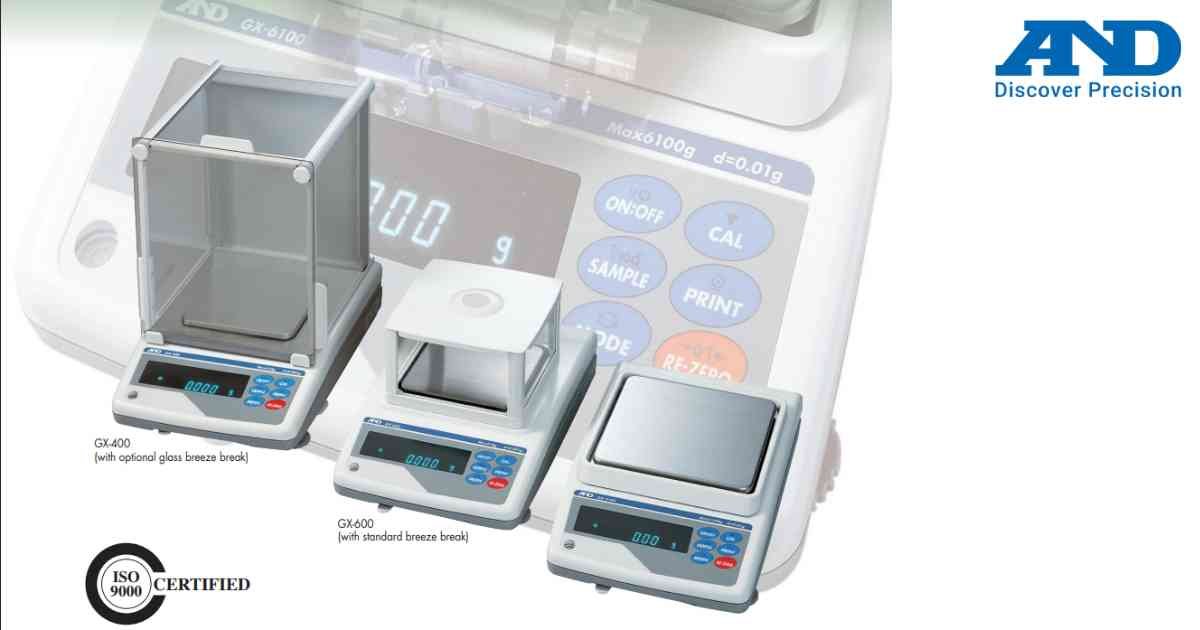
Comparator mode compares measured weight against preset HI and LO limits.
Procedure
1.) Turn ON the balance.
2.) Enter Comparator Settings.
3.) Set High Limit value.
4.) Set Low Limit value.
5.) Save the configuration.
6.) Place sample on weighing pan.
7.) Observe HI, OK or LO indication.
Applications
1.) Quality control
2.) Check weighing
3.) Production inspection
4.) Packaging verification
Procedure
1.) Turn ON the balance.
2.) Enter Comparator Settings.
3.) Set High Limit value.
4.) Set Low Limit value.
5.) Save the configuration.
6.) Place sample on weighing pan.
7.) Observe HI, OK or LO indication.
Applications
1.) Quality control
2.) Check weighing
3.) Production inspection
4.) Packaging verification
Looking for a new weighing machine?
Upgrade your operations with our latest high-precision scales. We offer a wide catalog of reliable and certified machines.
Related Calibration Guides
