A&D GR Series Internal Weight Calibration Procedure
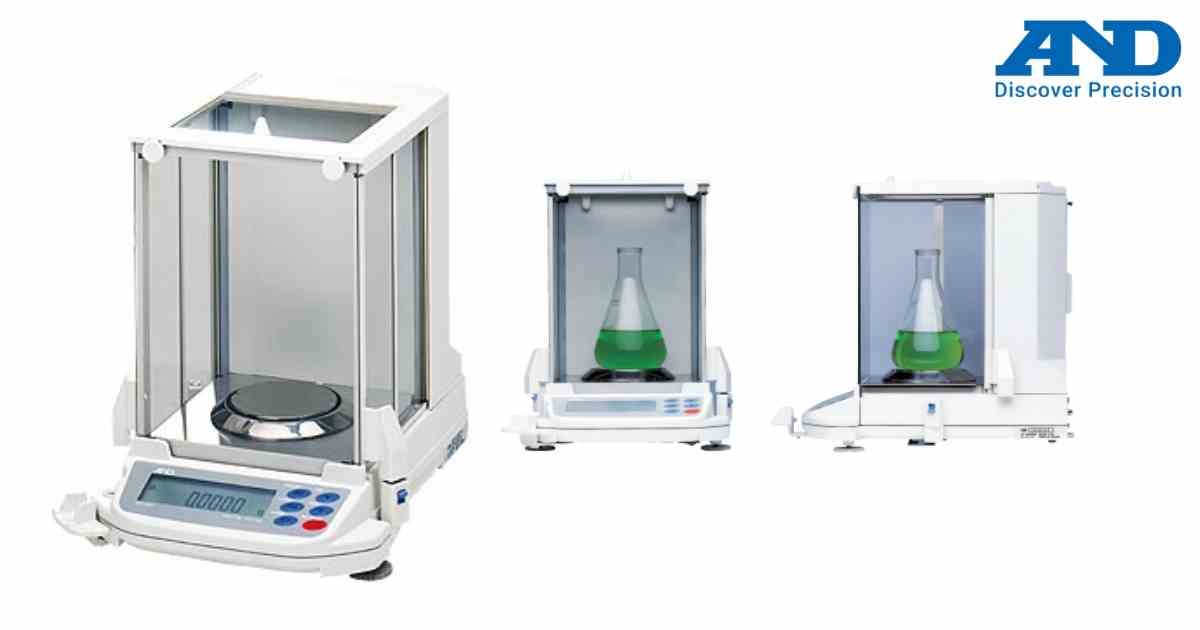
The A&D GR Series analytical balances include an internal calibration weight for quick and accurate calibration.
Procedure
Step 1
Connect the AC adapter and allow the balance to warm up for at least one hour.
Step 2
Ensure the weighing pan is empty.
Step 3
Press the CAL key.
Step 4
The display shows CAL IN and starts automatic calibration.
Step 5
Do not touch the balance during calibration.
Step 6
Wait until END appears.
Step 7
The balance automatically returns to weighing mode.
Tips
• Keep the balance on a vibration-free surface.
• Close draft shield doors during calibration.
• Perform calibration after temperature changes.
• Verify accuracy with certified weights if required.
Procedure
Step 1
Connect the AC adapter and allow the balance to warm up for at least one hour.
Step 2
Ensure the weighing pan is empty.
Step 3
Press the CAL key.
Step 4
The display shows CAL IN and starts automatic calibration.
Step 5
Do not touch the balance during calibration.
Step 6
Wait until END appears.
Step 7
The balance automatically returns to weighing mode.
Tips
• Keep the balance on a vibration-free surface.
• Close draft shield doors during calibration.
• Perform calibration after temperature changes.
• Verify accuracy with certified weights if required.
Looking for a new weighing machine?
Upgrade your operations with our latest high-precision scales. We offer a wide catalog of reliable and certified machines.
Related Calibration Guides
