A&D GR Series Function Switch Configuration Guide
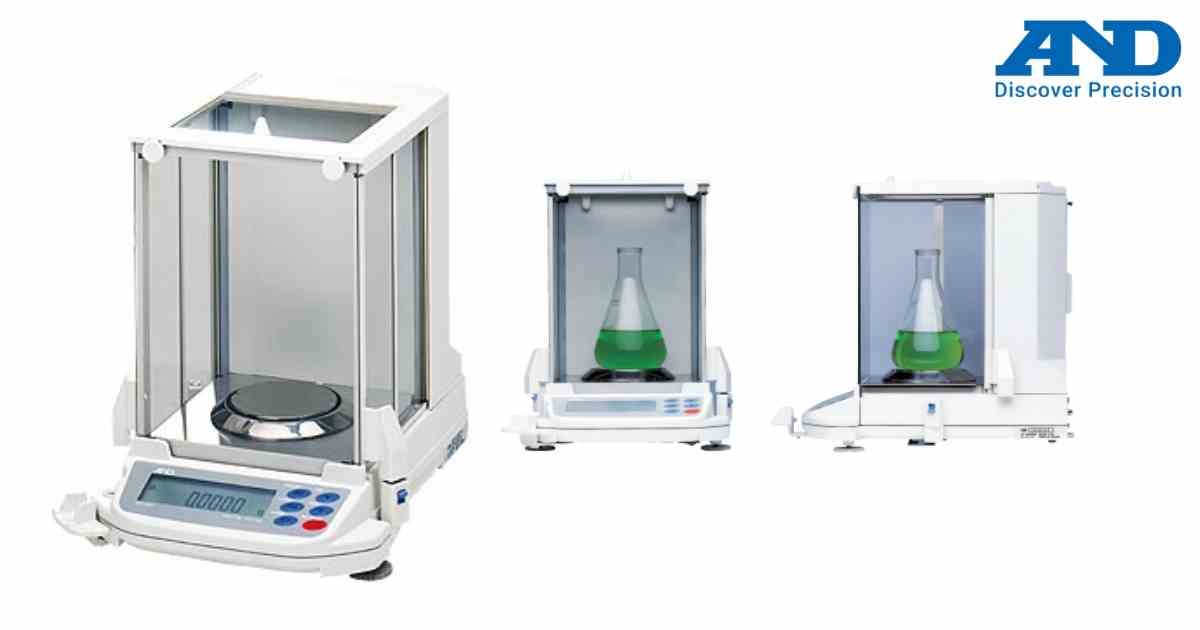
Function switches allow customization of weighing operations.
Procedure
Step 1
Turn ON the balance.
Step 2
Enter Function Switch mode.
Step 3
Navigate through available options.
Step 4
Enable or disable required functions.
Step 5
Save the configuration.
Step 6
Restart the balance.
Common Functions
• Auto Zero
• Stability Detection
• Data Output
• Comparator Mode
• GLP Output
Always record original settings before making changes.
Procedure
Step 1
Turn ON the balance.
Step 2
Enter Function Switch mode.
Step 3
Navigate through available options.
Step 4
Enable or disable required functions.
Step 5
Save the configuration.
Step 6
Restart the balance.
Common Functions
• Auto Zero
• Stability Detection
• Data Output
• Comparator Mode
• GLP Output
Always record original settings before making changes.
Looking for a new weighing machine?
Upgrade your operations with our latest high-precision scales. We offer a wide catalog of reliable and certified machines.
Related Calibration Guides
