A&D GR Series Data Memory Setup Guide
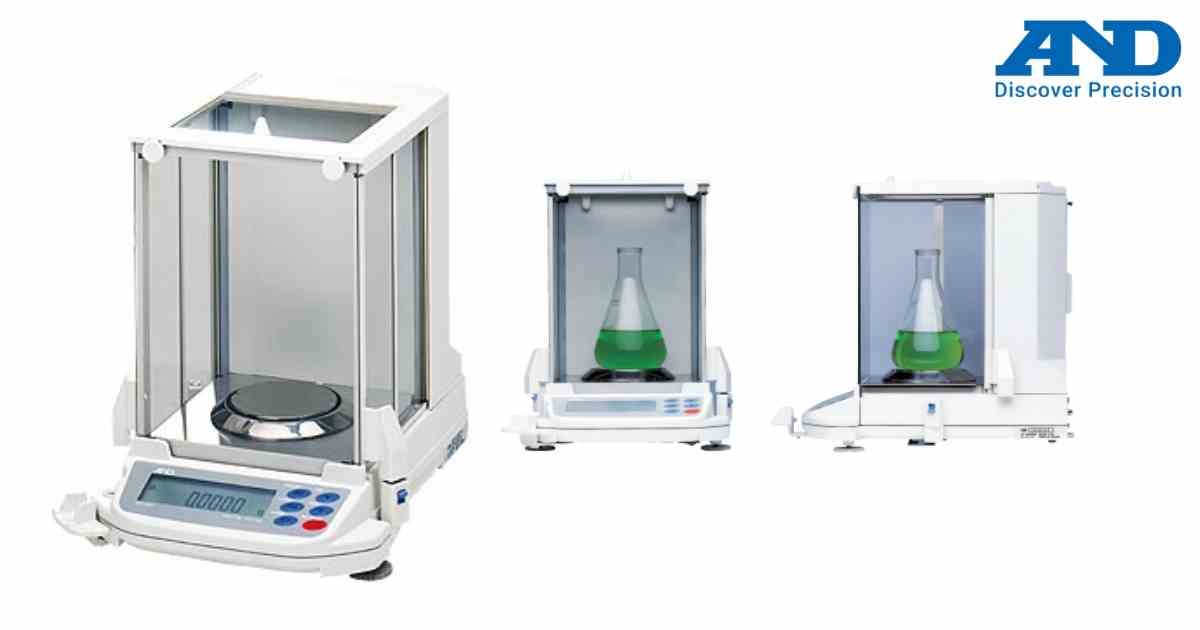
The GR Series can store weighing data for later output.
Procedure
1. Enter memory settings.
2. Select memory mode.
3. Enable data storage.
4. Configure automatic or manual recording.
5. Save settings.
Stored data can be transferred through the communication interface.
Procedure
1. Enter memory settings.
2. Select memory mode.
3. Enable data storage.
4. Configure automatic or manual recording.
5. Save settings.
Stored data can be transferred through the communication interface.
Looking for a new weighing machine?
Upgrade your operations with our latest high-precision scales. We offer a wide catalog of reliable and certified machines.
Related Calibration Guides
