A&D GH Series Zero Calibration Guide
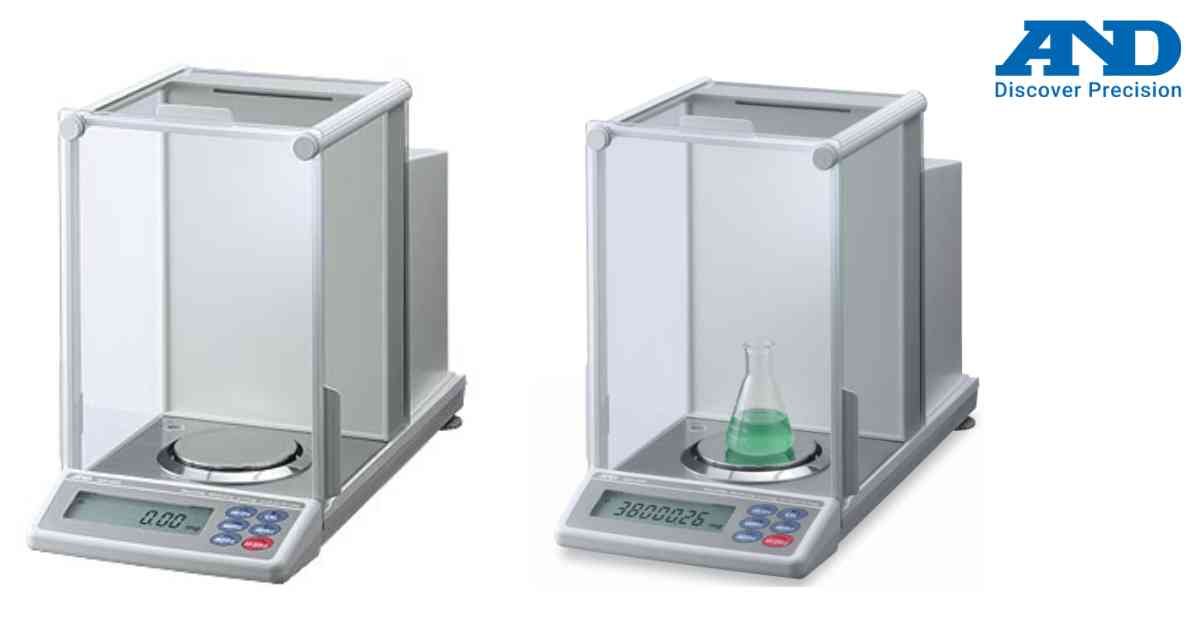
Zero calibration ensures that the A&D GH Series analytical balance starts weighing from an accurate zero reference.
Procedure
Step 1
Place the balance on a level and vibration-free table.
Step 2
Allow the instrument to warm up for at least one hour.
Step 3
Remove all items from the weighing pan.
Step 4
Close all draft shield doors.
Step 5
Press the ZERO key.
Step 6
Wait until the zero indicator appears.
Step 7
Verify that the display reads exactly 0.0000 g.
Tips
• Never zero the balance with objects on the pan.
• Keep the weighing chamber clean.
• Perform zero calibration before every weighing session.
• Re-zero after environmental changes.
Proper zero calibration improves repeatability and measurement accuracy.
Procedure
Step 1
Place the balance on a level and vibration-free table.
Step 2
Allow the instrument to warm up for at least one hour.
Step 3
Remove all items from the weighing pan.
Step 4
Close all draft shield doors.
Step 5
Press the ZERO key.
Step 6
Wait until the zero indicator appears.
Step 7
Verify that the display reads exactly 0.0000 g.
Tips
• Never zero the balance with objects on the pan.
• Keep the weighing chamber clean.
• Perform zero calibration before every weighing session.
• Re-zero after environmental changes.
Proper zero calibration improves repeatability and measurement accuracy.
Looking for a new weighing machine?
Upgrade your operations with our latest high-precision scales. We offer a wide catalog of reliable and certified machines.
Related Calibration Guides