A&D GH Series One-Touch Calibration Guide
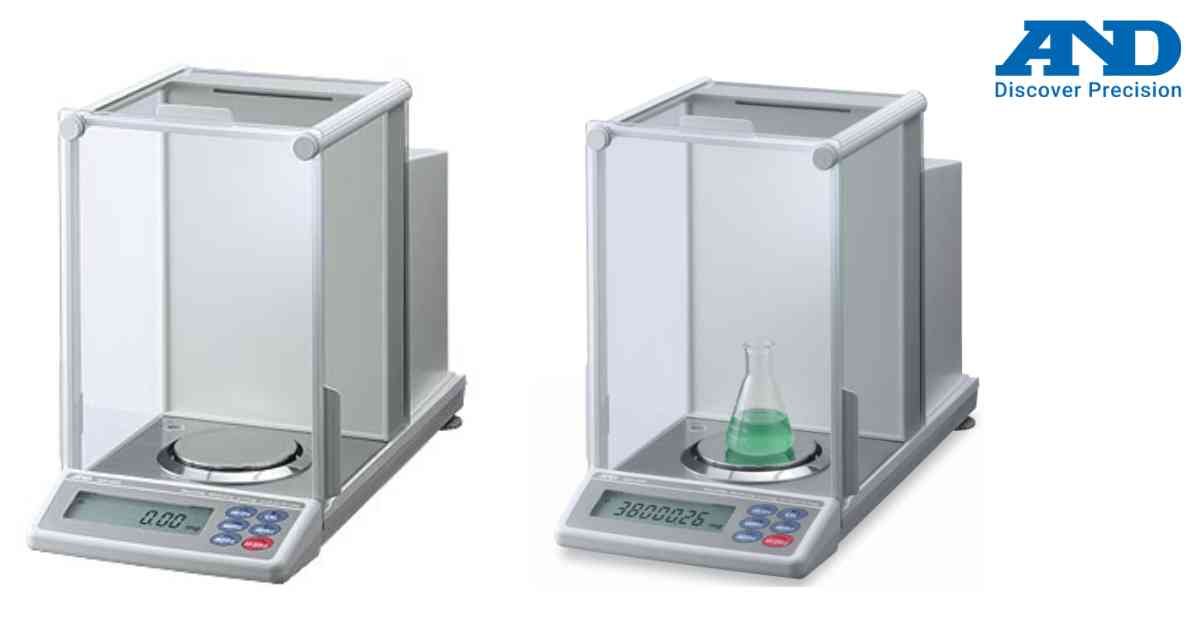
The A&D GH Series provides a convenient One-Touch Calibration function using its built-in internal mass.
Steps:
1. Connect power and warm up the balance.
2. Ensure the weighing pan is empty.
3. Press the CAL key once.
4. Internal calibration starts automatically.
5. Wait until calibration completes.
6. END will appear on the display.
7. The balance automatically returns to weighing mode.
Benefits:
• Fast calibration
• No external weights required
• Improved laboratory productivity
• Automatic adjustment for temperature changes
Use One-Touch Calibration before daily measurements for best performance.
Steps:
1. Connect power and warm up the balance.
2. Ensure the weighing pan is empty.
3. Press the CAL key once.
4. Internal calibration starts automatically.
5. Wait until calibration completes.
6. END will appear on the display.
7. The balance automatically returns to weighing mode.
Benefits:
• Fast calibration
• No external weights required
• Improved laboratory productivity
• Automatic adjustment for temperature changes
Use One-Touch Calibration before daily measurements for best performance.
Looking for a new weighing machine?
Upgrade your operations with our latest high-precision scales. We offer a wide catalog of reliable and certified machines.
Related Calibration Guides