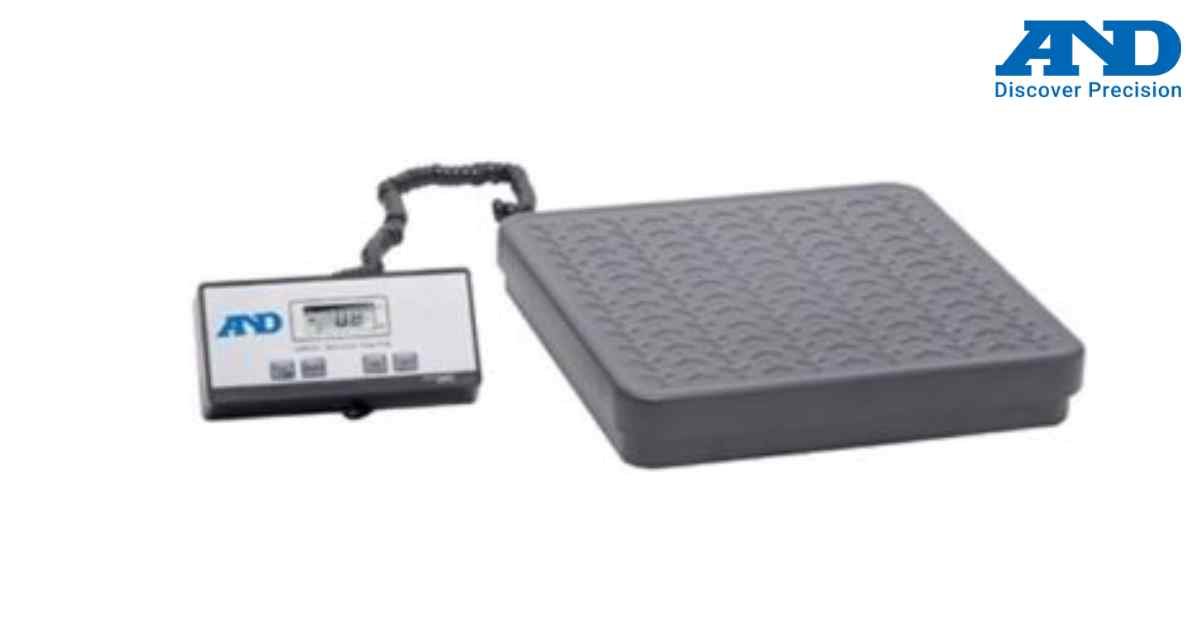
A&D AD-4212A/B Calibration Procedure
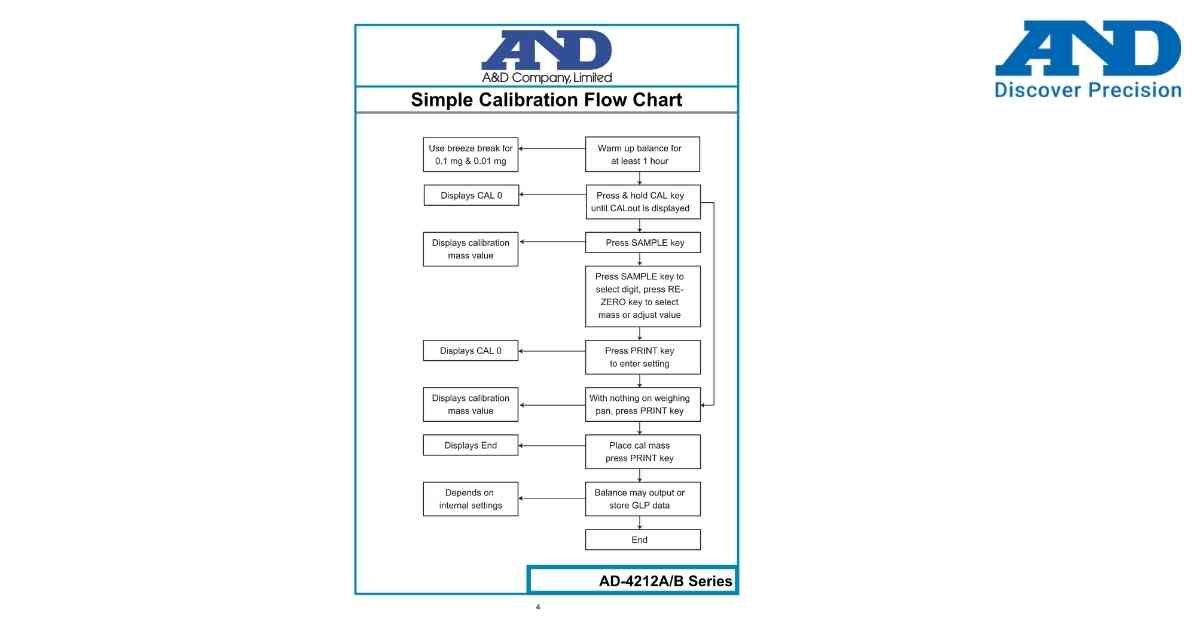
The A&D AD-4212A/B Series analytical balance supports internal calibration using the CAL key and certified calibration weights.
Before calibration:
• Place the balance on a stable vibration-free surface.
• Warm up the balance for at least 60 minutes.
• Ensure the weighing pan is clean.
• Close all draft shields.
• Use certified calibration weights.
Calibration Procedure
Step 1
Switch ON the balance and allow proper warm-up.
Step 2
Press and hold the CAL key until CAL 0 appears on the display.
Step 3
Press the SAMPLE key.
Step 4
Select the required calibration mass using the RE-ZERO key.
Step 5
Press the PRINT key to confirm.
Step 6
Verify that the weighing pan is empty and press PRINT again.
Step 7
Place the required calibration weight on the pan.
Step 8
Press PRINT to start span calibration.
Step 9
Wait until END appears on the display.
Step 10
Remove the calibration weight and return to weighing mode.
Tips
• Use certified calibration weights.
• Avoid air movement during calibration.
• Never touch the calibration weight with bare hands.
• Repeat calibration whenever the balance is relocated.
If calibration fails, verify the weight value, power supply, environmental conditions and repeat the procedure.
Before calibration:
• Place the balance on a stable vibration-free surface.
• Warm up the balance for at least 60 minutes.
• Ensure the weighing pan is clean.
• Close all draft shields.
• Use certified calibration weights.
Calibration Procedure
Step 1
Switch ON the balance and allow proper warm-up.
Step 2
Press and hold the CAL key until CAL 0 appears on the display.
Step 3
Press the SAMPLE key.
Step 4
Select the required calibration mass using the RE-ZERO key.
Step 5
Press the PRINT key to confirm.
Step 6
Verify that the weighing pan is empty and press PRINT again.
Step 7
Place the required calibration weight on the pan.
Step 8
Press PRINT to start span calibration.
Step 9
Wait until END appears on the display.
Step 10
Remove the calibration weight and return to weighing mode.
Tips
• Use certified calibration weights.
• Avoid air movement during calibration.
• Never touch the calibration weight with bare hands.
• Repeat calibration whenever the balance is relocated.
If calibration fails, verify the weight value, power supply, environmental conditions and repeat the procedure.
Looking for a new weighing machine?
Upgrade your operations with our latest high-precision scales. We offer a wide catalog of reliable and certified machines.
Related Calibration Guides