UNDERLOAD
Negative Load Error
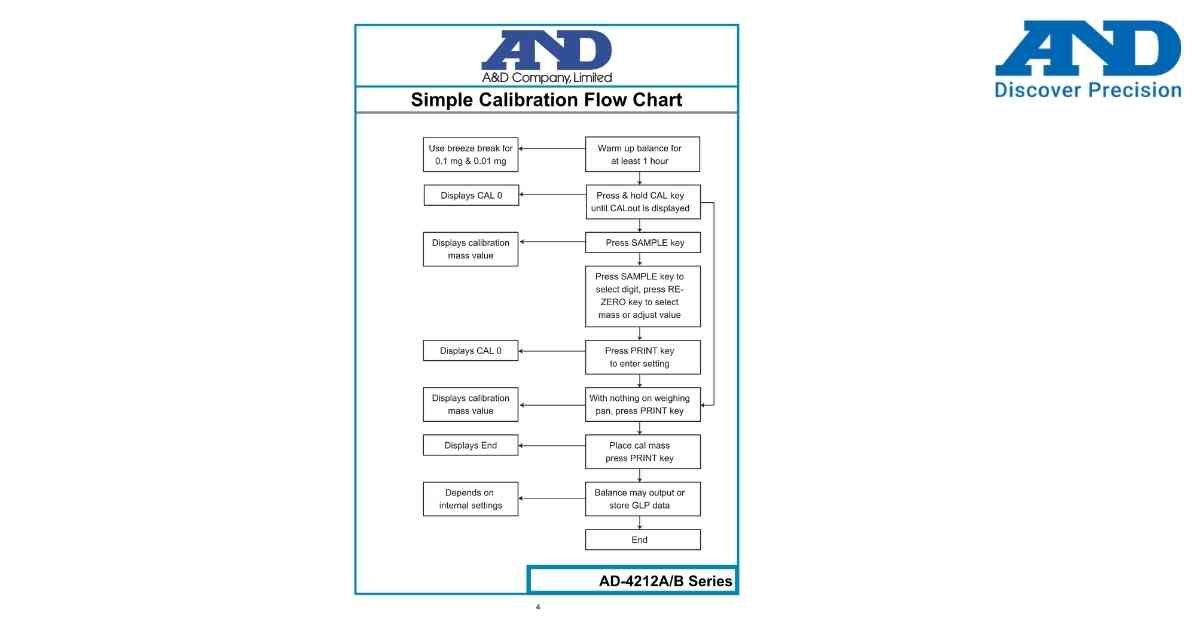
UNDERLOAD indicates that the balance is detecting a value below its normal zero reference.
Possible Causes
• Weighing pan is not installed correctly.
• Load cell is under tension.
• Balance was powered ON without the weighing pan.
• Mechanical obstruction under the pan.
• Internal sensor issue.
Troubleshooting Steps
1. Switch OFF the balance.
2. Verify that the weighing pan and pan support are installed correctly.
3. Remove any foreign objects touching the weighing mechanism.
4. Restart the balance and allow it to complete initialization.
5. Perform zero calibration if required.
6. If UNDERLOAD continues to appear, inspect the load cell assembly and contact authorized A&D service.
Preventive Tips
• Always install the weighing pan before powering ON the balance.
• Keep the weighing chamber clean.
• Avoid pulling upward on the weighing pan.
Possible Causes
• Weighing pan is not installed correctly.
• Load cell is under tension.
• Balance was powered ON without the weighing pan.
• Mechanical obstruction under the pan.
• Internal sensor issue.
Troubleshooting Steps
1. Switch OFF the balance.
2. Verify that the weighing pan and pan support are installed correctly.
3. Remove any foreign objects touching the weighing mechanism.
4. Restart the balance and allow it to complete initialization.
5. Perform zero calibration if required.
6. If UNDERLOAD continues to appear, inspect the load cell assembly and contact authorized A&D service.
Preventive Tips
• Always install the weighing pan before powering ON the balance.
• Keep the weighing chamber clean.
• Avoid pulling upward on the weighing pan.
Is your scale beyond repair?
Sometimes replacing an aging machine is more cost-effective than fixing it. Explore our wide range of new, high-precision weighing scales.