INTERNAL ERROR
Internal System Error
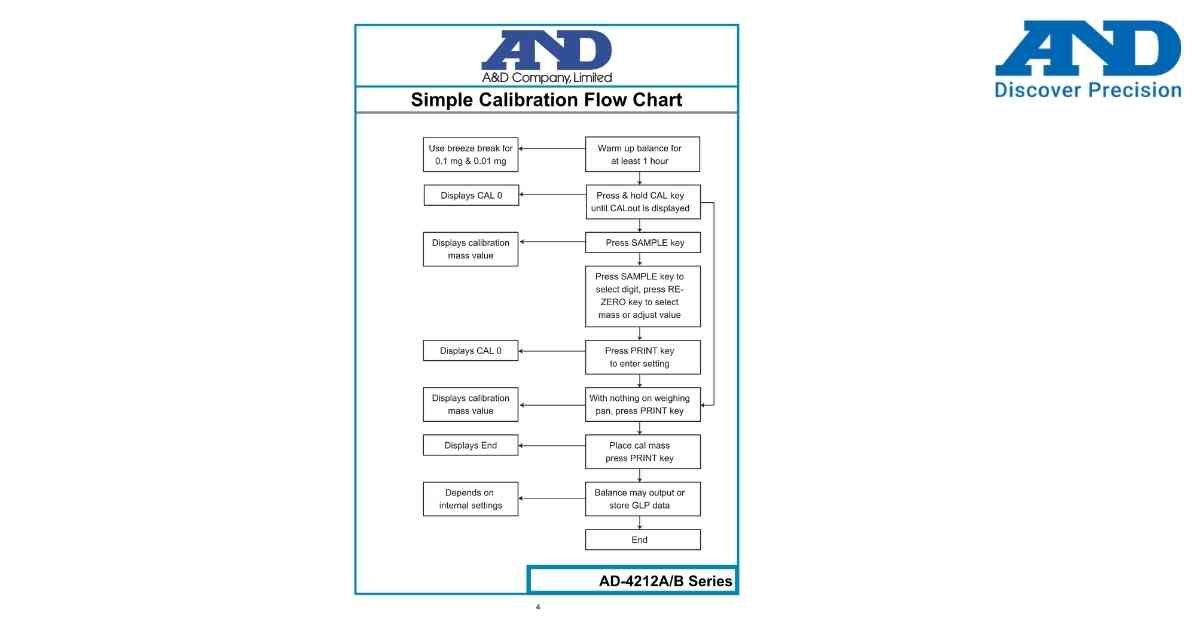
INTERNAL ERROR indicates that the balance has detected an internal hardware or software fault during operation.
Possible Causes
• Temporary system malfunction.
• Memory initialization failure.
• Electronic circuit fault.
• Power interruption during startup.
• Internal component failure.
Troubleshooting Steps
1. Switch OFF the balance.
2. Disconnect the power adapter for one minute.
3. Restart the balance.
4. Allow the balance to complete initialization.
5. Perform calibration and verify normal operation.
6. If the error remains, discontinue use and contact an authorized A&D service center.
Preventive Tips
• Use only the original A&D power adapter.
• Avoid sudden power interruptions.
• Keep the balance away from moisture and excessive heat.
• Schedule periodic preventive maintenance.
Possible Causes
• Temporary system malfunction.
• Memory initialization failure.
• Electronic circuit fault.
• Power interruption during startup.
• Internal component failure.
Troubleshooting Steps
1. Switch OFF the balance.
2. Disconnect the power adapter for one minute.
3. Restart the balance.
4. Allow the balance to complete initialization.
5. Perform calibration and verify normal operation.
6. If the error remains, discontinue use and contact an authorized A&D service center.
Preventive Tips
• Use only the original A&D power adapter.
• Avoid sudden power interruptions.
• Keep the balance away from moisture and excessive heat.
• Schedule periodic preventive maintenance.
Is your scale beyond repair?
Sometimes replacing an aging machine is more cost-effective than fixing it. Explore our wide range of new, high-precision weighing scales.