Unit Wt < 0.01%
Unit Wt < 0.01% of Accuracy! - Piece Weight Too Light
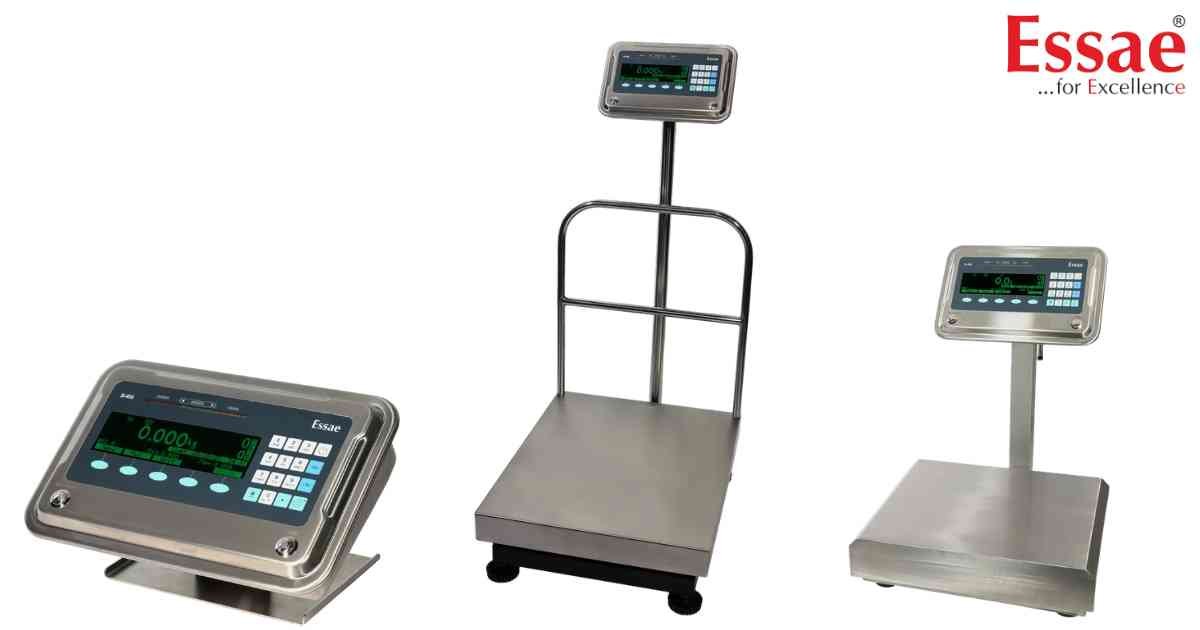
⚙️ Model Compatibility: Essae SI-850N System Indicator.
When sampling parts to establish a base unit weight, this error indicates the individual piece is physically too light for the load cell's current resolution configuration.
How to Fix:
1. Increase the sample size drastically (e.g., sample 50 or 100 pieces instead of 10) so the scale can register a stable baseline weight.
2. Go to Menu > Counting Settings > Unit Weight Average, and increase the setting to 64 for maximum sampling precision.
3. If the error persists, the physical items are too light for this specific scale's capacity, and a lower-capacity, higher-resolution platform is required.
When sampling parts to establish a base unit weight, this error indicates the individual piece is physically too light for the load cell's current resolution configuration.
How to Fix:
1. Increase the sample size drastically (e.g., sample 50 or 100 pieces instead of 10) so the scale can register a stable baseline weight.
2. Go to Menu > Counting Settings > Unit Weight Average, and increase the setting to 64 for maximum sampling precision.
3. If the error persists, the physical items are too light for this specific scale's capacity, and a lower-capacity, higher-resolution platform is required.
Is your scale beyond repair?
Sometimes replacing an aging machine is more cost-effective than fixing it. Explore our wide range of new, high-precision weighing scales.
Related Error Codes
Related Calibration Guides
