No Disk
No Disk or File Error - USB Dumping Failure
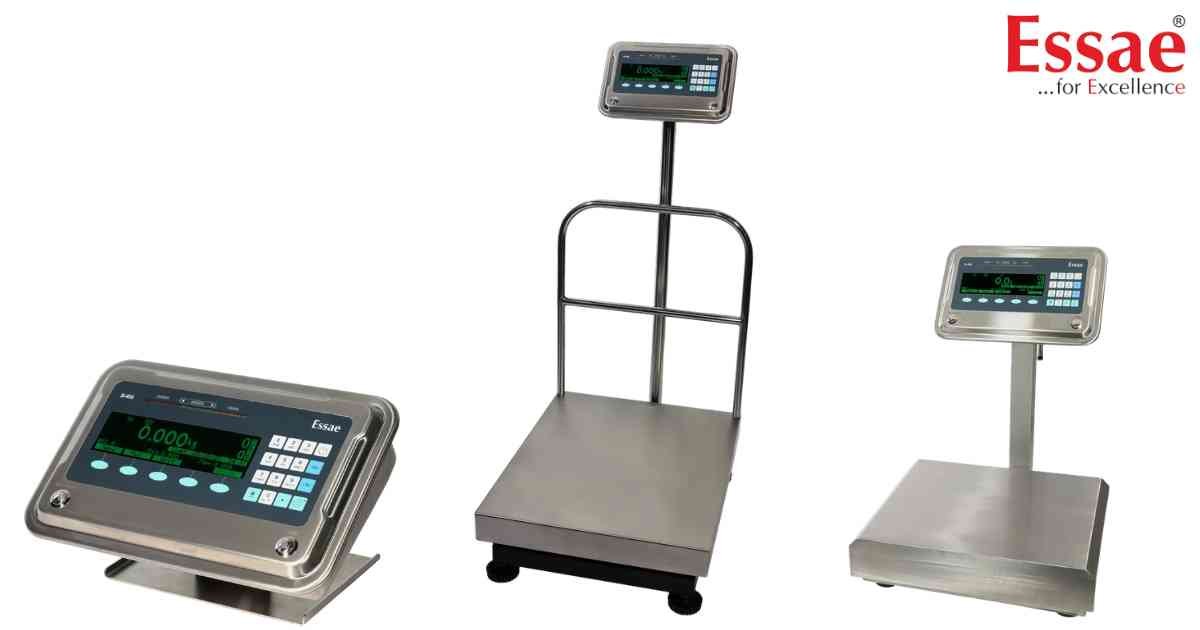
⚙️ Model Compatibility: Essae SI-850N System Indicator.
These errors occur during data extraction or report printing:
1. "No Disk": The USB Pendrive was disconnected abruptly from the USB Host port before the data dump was completed. Ensure the flash drive is formatted to FAT16 or FAT32 (NTFS is not supported) and seated firmly.
2. "File Error": The scale is attempting to print or dump a "Custom Format" report, but the required custom format files have not been uploaded to the scale from a PC. Switch to a "Standard" format or upload the custom files.
These errors occur during data extraction or report printing:
1. "No Disk": The USB Pendrive was disconnected abruptly from the USB Host port before the data dump was completed. Ensure the flash drive is formatted to FAT16 or FAT32 (NTFS is not supported) and seated firmly.
2. "File Error": The scale is attempting to print or dump a "Custom Format" report, but the required custom format files have not been uploaded to the scale from a PC. Switch to a "Standard" format or upload the custom files.
Is your scale beyond repair?
Sometimes replacing an aging machine is more cost-effective than fixing it. Explore our wide range of new, high-precision weighing scales.
Related Error Codes
Related Calibration Guides
