Accumulated
Accumulated or Quantity Error - Batching Limitations
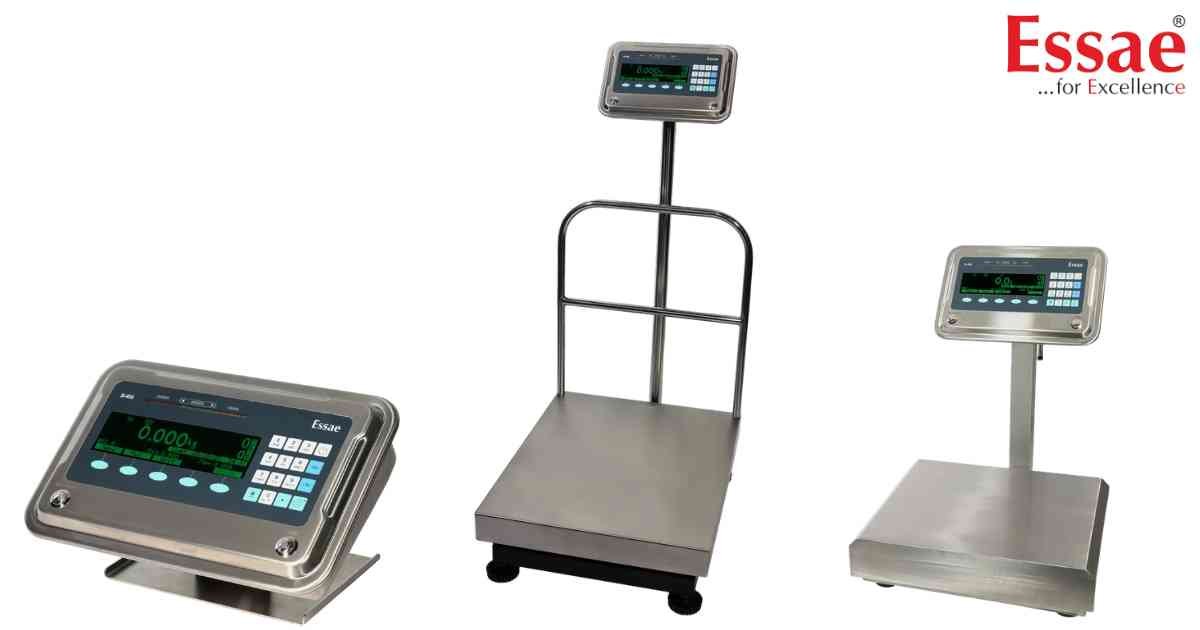
⚙️ Model Compatibility: Essae SI-850N System Indicator.
When using the Manual Accumulation feature (pressing the 'Acumulat' soft key), operators may encounter two specific warnings:
1. "Accumulated": This message appears if the operator presses the accumulate key a second time for the exact same batch without first removing the weight from the platter. The scale prevents double-counting. Simply remove the item, let the scale return to zero, and place the next item.
2. "Quantity Error": This triggers in the accumulation window if the total accumulated quantity exceeds 999,999 pieces. At this point, the batch must be closed or the counters must be reset to continue logging.
When using the Manual Accumulation feature (pressing the 'Acumulat' soft key), operators may encounter two specific warnings:
1. "Accumulated": This message appears if the operator presses the accumulate key a second time for the exact same batch without first removing the weight from the platter. The scale prevents double-counting. Simply remove the item, let the scale return to zero, and place the next item.
2. "Quantity Error": This triggers in the accumulation window if the total accumulated quantity exceeds 999,999 pieces. At this point, the batch must be closed or the counters must be reset to continue logging.
Is your scale beyond repair?
Sometimes replacing an aging machine is more cost-effective than fixing it. Explore our wide range of new, high-precision weighing scales.
Related Error Codes
Related Calibration Guides
