Modbus Error 04
Modbus Exception Code 04 - Invalid Data Read
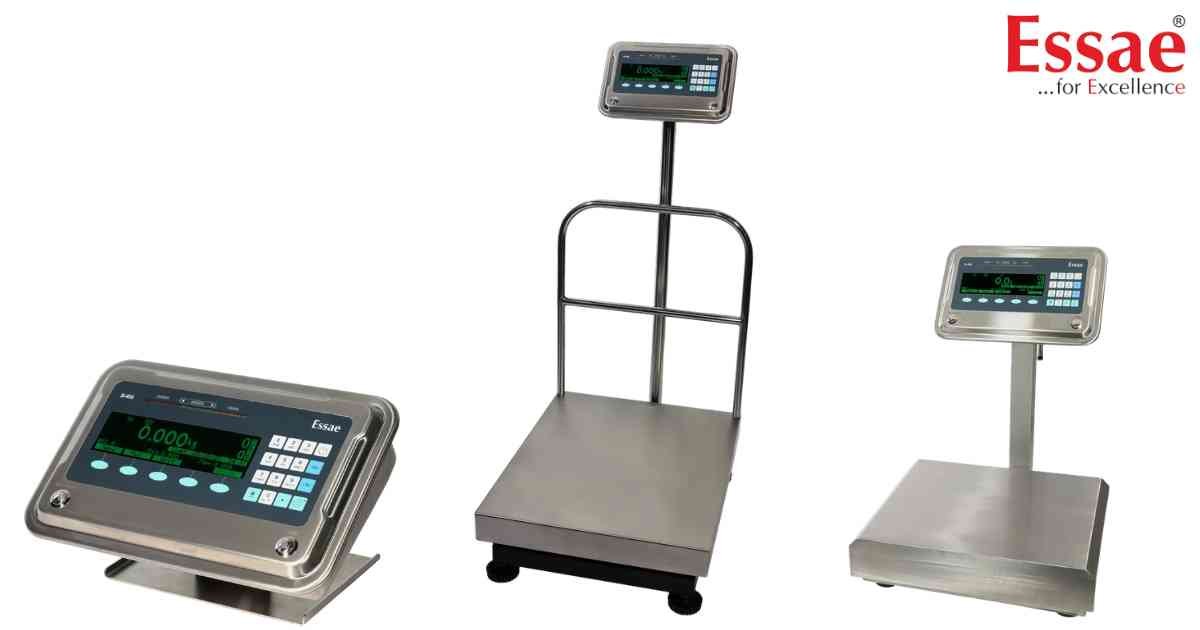
⚙️ Model Compatibility: Essae SI-810 System Indicator.
When integrating the SI-810 into a factory PLC using RS-485 Modbus ASCII, the scale will return an Exception Code "04" (Invalid Data Read) if the scale itself is experiencing a physical weighing error[cite: 9].
What is causing it:
This exception code is generated when the master queries the scale, but the scale cannot provide a valid weight string because it is currently in one of the following hardware error states[cite: 9]:
1. Weight Underflow (Load cell reading below zero)[cite: 9].
2. Weight Overflow (Capacity exceeded)[cite: 9].
3. Disp Resolution Error (Capacity/Accuracy ratio misconfigured)[cite: 9].
Troubleshooting for Integrators:
Do not troubleshoot your communication protocol. An Exception 04 means your parity, baud rate, and LRC checksums are perfectly fine, but the physical scale platter is obstructed or overloaded. Have an operator clear the physical scale platform and send the read request (Function Code 04) again[cite: 9].
When integrating the SI-810 into a factory PLC using RS-485 Modbus ASCII, the scale will return an Exception Code "04" (Invalid Data Read) if the scale itself is experiencing a physical weighing error[cite: 9].
What is causing it:
This exception code is generated when the master queries the scale, but the scale cannot provide a valid weight string because it is currently in one of the following hardware error states[cite: 9]:
1. Weight Underflow (Load cell reading below zero)[cite: 9].
2. Weight Overflow (Capacity exceeded)[cite: 9].
3. Disp Resolution Error (Capacity/Accuracy ratio misconfigured)[cite: 9].
Troubleshooting for Integrators:
Do not troubleshoot your communication protocol. An Exception 04 means your parity, baud rate, and LRC checksums are perfectly fine, but the physical scale platter is obstructed or overloaded. Have an operator clear the physical scale platform and send the read request (Function Code 04) again[cite: 9].
Is your scale beyond repair?
Sometimes replacing an aging machine is more cost-effective than fixing it. Explore our wide range of new, high-precision weighing scales.
Related Error Codes
Related Calibration Guides
