Memory Low
Memory Low - Internal Data Memory Almost Full
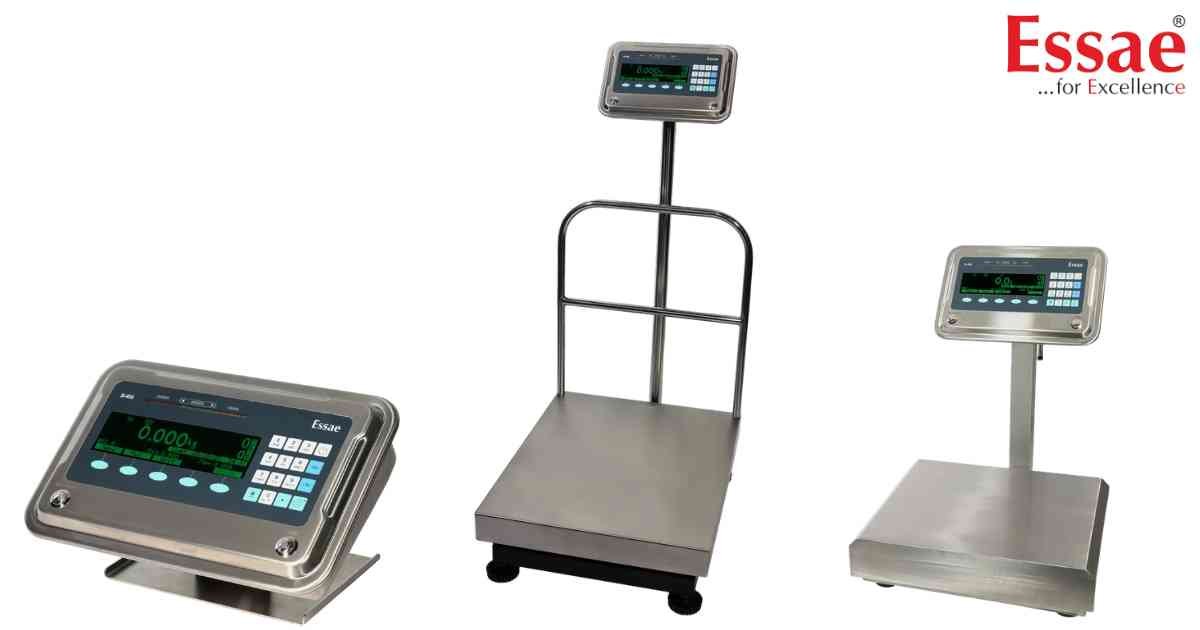
⚙️ Model Compatibility: Essae SI-810 System Indicator[cite: 9].
The "Memory Low" error occurs when the available internal data memory drops below 25 KB[cite: 9]. The SI-810 is designed to hold up to 25,000 logged records, and this warning means you are about to run out of space[cite: 9].
How to Fix:
1. You must back up your data and clear the memory. Connect a FAT32-formatted USB Pen Drive to the USB Host port[cite: 9].
2. The display will show "Pendrive: Connected" and generate a file name (e.g., 12300612.LOG)[cite: 9].
3. Press the [Store] soft key to dump the records[cite: 9].
4. Once the dump is complete, navigate to Menu > Log Settings > Delete Logged Records and press [Yes] to clear the internal memory[cite: 9].
The "Memory Low" error occurs when the available internal data memory drops below 25 KB[cite: 9]. The SI-810 is designed to hold up to 25,000 logged records, and this warning means you are about to run out of space[cite: 9].
How to Fix:
1. You must back up your data and clear the memory. Connect a FAT32-formatted USB Pen Drive to the USB Host port[cite: 9].
2. The display will show "Pendrive: Connected" and generate a file name (e.g., 12300612.LOG)[cite: 9].
3. Press the [Store] soft key to dump the records[cite: 9].
4. Once the dump is complete, navigate to Menu > Log Settings > Delete Logged Records and press [Yes] to clear the internal memory[cite: 9].
Is your scale beyond repair?
Sometimes replacing an aging machine is more cost-effective than fixing it. Explore our wide range of new, high-precision weighing scales.
Related Error Codes
Related Calibration Guides
