Stock NOT there!
Stock NOT there! - PLU Inventory Limit Reached
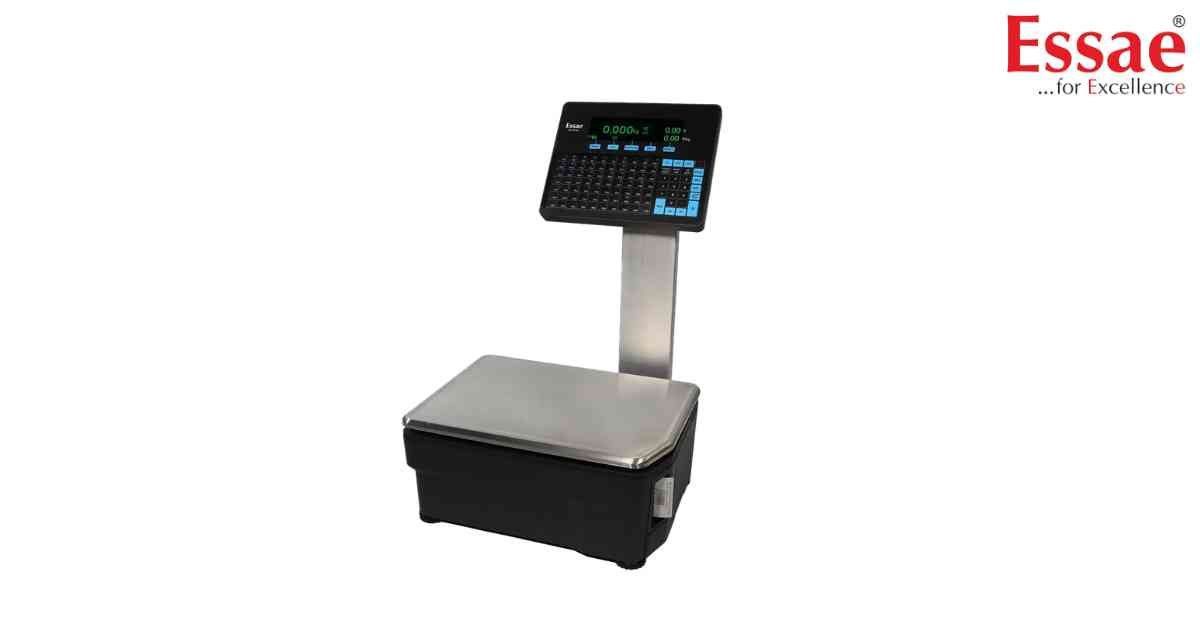
⚙️ Model Compatibility: Essae RX-850 & RX-8XX Series Label Scales[cite: 8].
The "Stock NOT there!" error occurs when your scale's internal inventory tracking is enabled (Menu > Settings > Inventory Enable = Yes), and the available stock for the recalled PLU is less than the weight or quantity you are currently trying to bill[cite: 8].
How to Fix:
A store manager must update the PLU stock levels[cite: 8].
1. Enter Menu > Programming > Inventory[cite: 8].
2. Enter the PLU Number and press the [PLU] key[cite: 8].
3. Enter the newly arrived stock value and press the [Stock] soft key to add it to the existing inventory[cite: 8].
The "Stock NOT there!" error occurs when your scale's internal inventory tracking is enabled (Menu > Settings > Inventory Enable = Yes), and the available stock for the recalled PLU is less than the weight or quantity you are currently trying to bill[cite: 8].
How to Fix:
A store manager must update the PLU stock levels[cite: 8].
1. Enter Menu > Programming > Inventory[cite: 8].
2. Enter the PLU Number and press the [PLU] key[cite: 8].
3. Enter the newly arrived stock value and press the [Stock] soft key to add it to the existing inventory[cite: 8].
Is your scale beyond repair?
Sometimes replacing an aging machine is more cost-effective than fixing it. Explore our wide range of new, high-precision weighing scales.
Related Error Codes
Related Calibration Guides
