PRINTER HEAD OPEN
PRINTER HEAD OPEN! or NO PAPER! - Printer Hardware Error
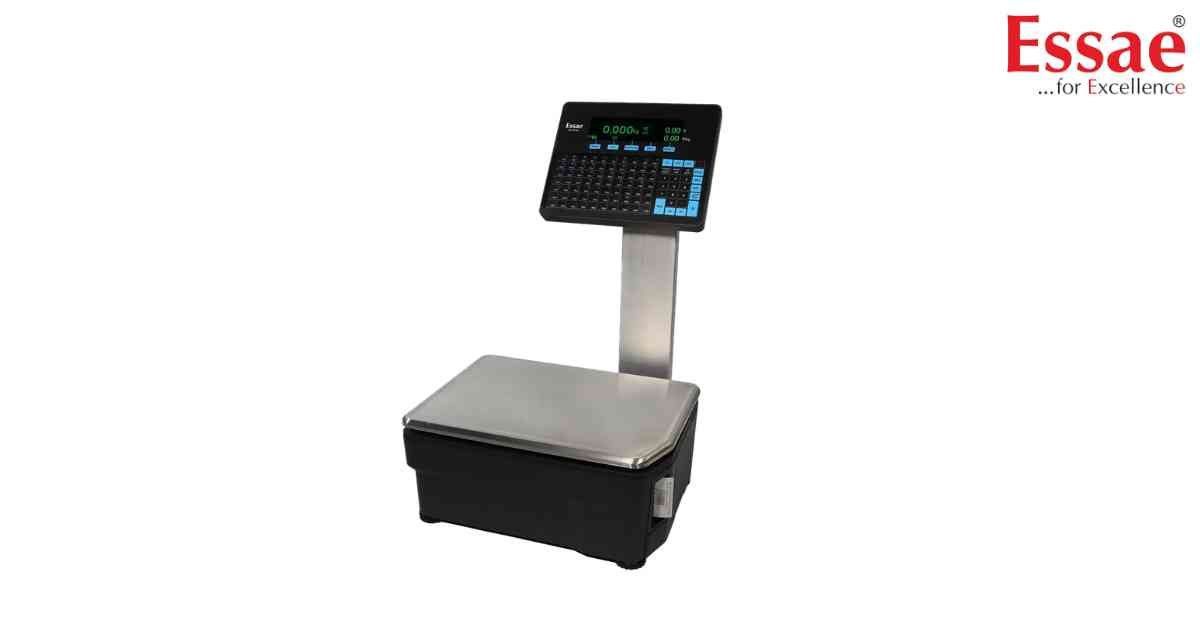
⚙️ Model Compatibility: Essae RX-850 & RX-8XX Series Label Scales[cite: 8].
In a fast-paced retail environment, changing label rolls quickly often leads to these two common errors:
1. "PRINTER HEAD OPEN!": This message indicates that the thermal print head mechanism is not latched down completely[cite: 8]. Press down firmly on both sides of the printer door until you hear it click into place. If the door is completely open, it will display "PRINTER DOOR OPEN!" instead[cite: 8].
2. "NO PAPER!": This triggers when the label roll is empty or the internal gap sensor isn't detecting the backing paper[cite: 8].
Troubleshooting: Open the printer door and ensure the label liner passes cleanly through the Label Gap Sensor, between the platen and head, and into the re-winder slit[cite: 8]. Always remove the last printed label, or the machine will halt and display "TAKE PRINTED LABEL!"[cite: 8].
In a fast-paced retail environment, changing label rolls quickly often leads to these two common errors:
1. "PRINTER HEAD OPEN!": This message indicates that the thermal print head mechanism is not latched down completely[cite: 8]. Press down firmly on both sides of the printer door until you hear it click into place. If the door is completely open, it will display "PRINTER DOOR OPEN!" instead[cite: 8].
2. "NO PAPER!": This triggers when the label roll is empty or the internal gap sensor isn't detecting the backing paper[cite: 8].
Troubleshooting: Open the printer door and ensure the label liner passes cleanly through the Label Gap Sensor, between the platen and head, and into the re-winder slit[cite: 8]. Always remove the last printed label, or the machine will halt and display "TAKE PRINTED LABEL!"[cite: 8].
Is your scale beyond repair?
Sometimes replacing an aging machine is more cost-effective than fixing it. Explore our wide range of new, high-precision weighing scales.
Related Error Codes
Related Calibration Guides
