Disp Resolution
Disp Resolution - Invalid Capacity Configuration
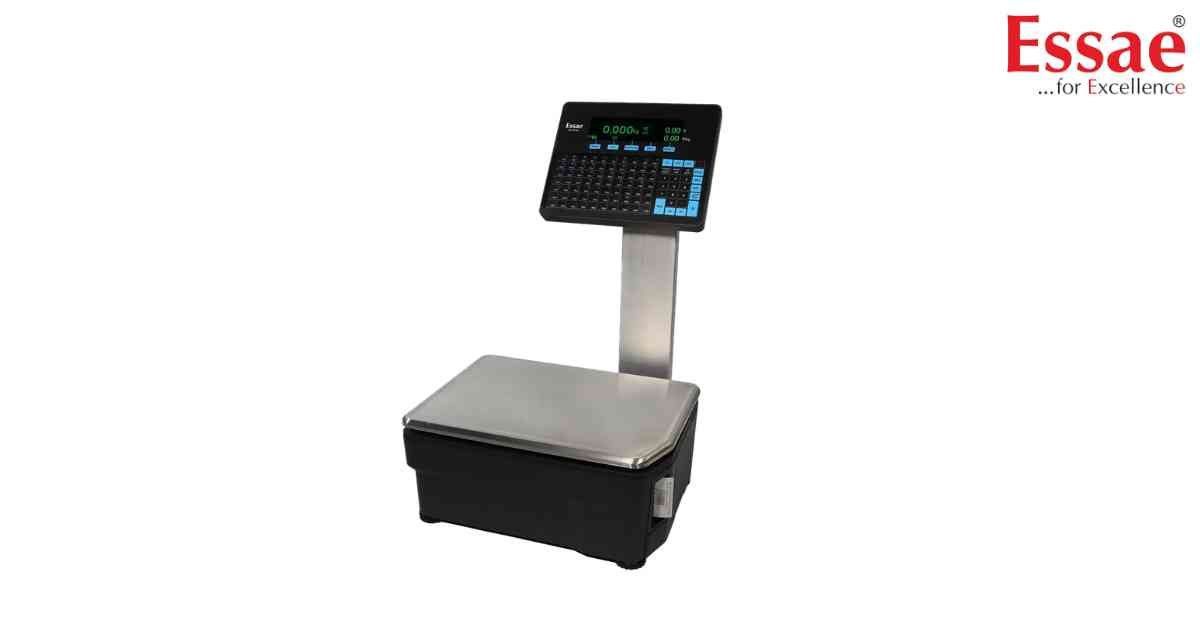
⚙️ Model Compatibility: Essae RX-850 & RX-8XX Series Label Scales[cite: 8].
The "Disp Resolution" error triggers during the power-on diagnostic sequence[cite: 8]. It means the scale's internal capacity divided by its accuracy setting exceeds 15,500 divisions, which is outside the machine's legal metrology limits[cite: 8].
How to Fix:
A technician must enter the Scale Configuration menu and adjust the Basic Weight parameters[cite: 8]. For example, setting a 15kg scale to a 1g accuracy is 15,000 divisions (Valid). Setting it to 0.5g would exceed the 15,500 limit and cause this error.
The "Disp Resolution" error triggers during the power-on diagnostic sequence[cite: 8]. It means the scale's internal capacity divided by its accuracy setting exceeds 15,500 divisions, which is outside the machine's legal metrology limits[cite: 8].
How to Fix:
A technician must enter the Scale Configuration menu and adjust the Basic Weight parameters[cite: 8]. For example, setting a 15kg scale to a 1g accuracy is 15,000 divisions (Valid). Setting it to 0.5g would exceed the 15,500 limit and cause this error.
Is your scale beyond repair?
Sometimes replacing an aging machine is more cost-effective than fixing it. Explore our wide range of new, high-precision weighing scales.
Related Error Codes
Related Calibration Guides
