Essae DX-451 Display Shutoff Error
Display Shutoff
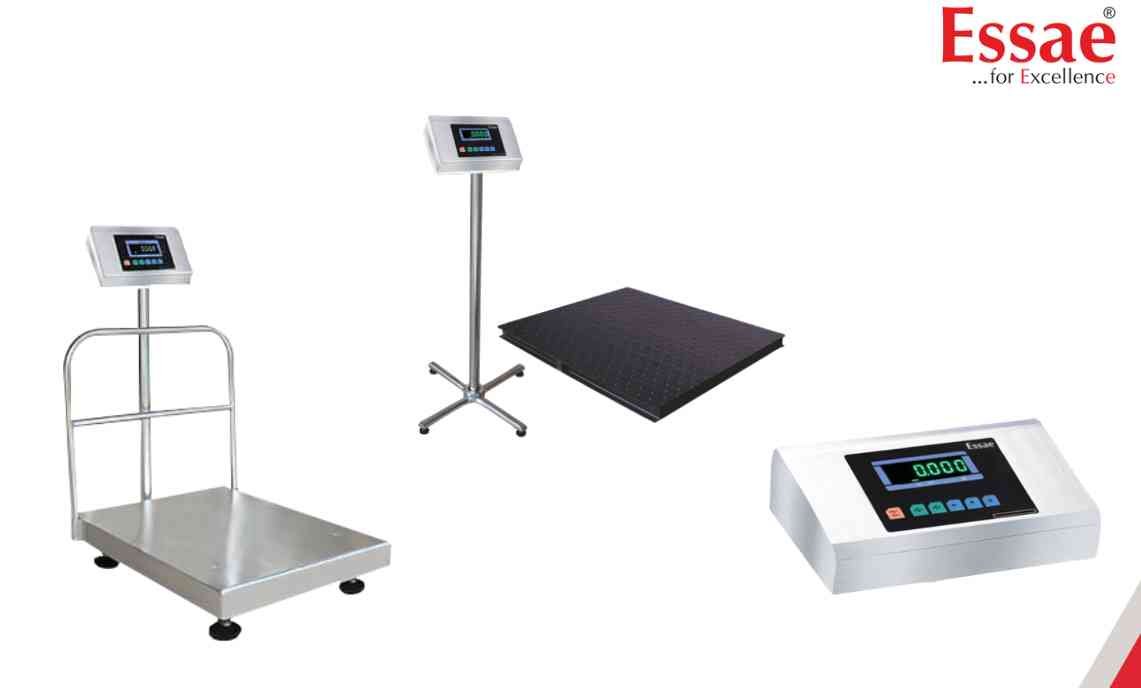
The display turns OFF unexpectedly during operation.
Possible Causes
1.) Low battery condition.
2.) Power supply interruption.
3.) Loose power connection.
4.) Internal power circuit issue.
5.) Severe voltage fluctuation.
6.) Troubleshooting Procedure
Step 1
Check AC power supply.
Step 2
Inspect power cable connections.
Step 3
Verify battery condition.
Step 4
Restart the machine.
Step 5
Monitor operation for recurrence.
Step 6
Contact authorized service if the problem persists.
Prevention
1.) Maintain proper battery charging.
2.) Use stable power supply.
3.) Periodically inspect power connections.
Possible Causes
1.) Low battery condition.
2.) Power supply interruption.
3.) Loose power connection.
4.) Internal power circuit issue.
5.) Severe voltage fluctuation.
6.) Troubleshooting Procedure
Step 1
Check AC power supply.
Step 2
Inspect power cable connections.
Step 3
Verify battery condition.
Step 4
Restart the machine.
Step 5
Monitor operation for recurrence.
Step 6
Contact authorized service if the problem persists.
Prevention
1.) Maintain proper battery charging.
2.) Use stable power supply.
3.) Periodically inspect power connections.
Is your scale beyond repair?
Sometimes replacing an aging machine is more cost-effective than fixing it. Explore our wide range of new, high-precision weighing scales.
Related Error Codes
Related Calibration Guides
