Essae DX-451 Display Reading Not Stable
Unstable Reading
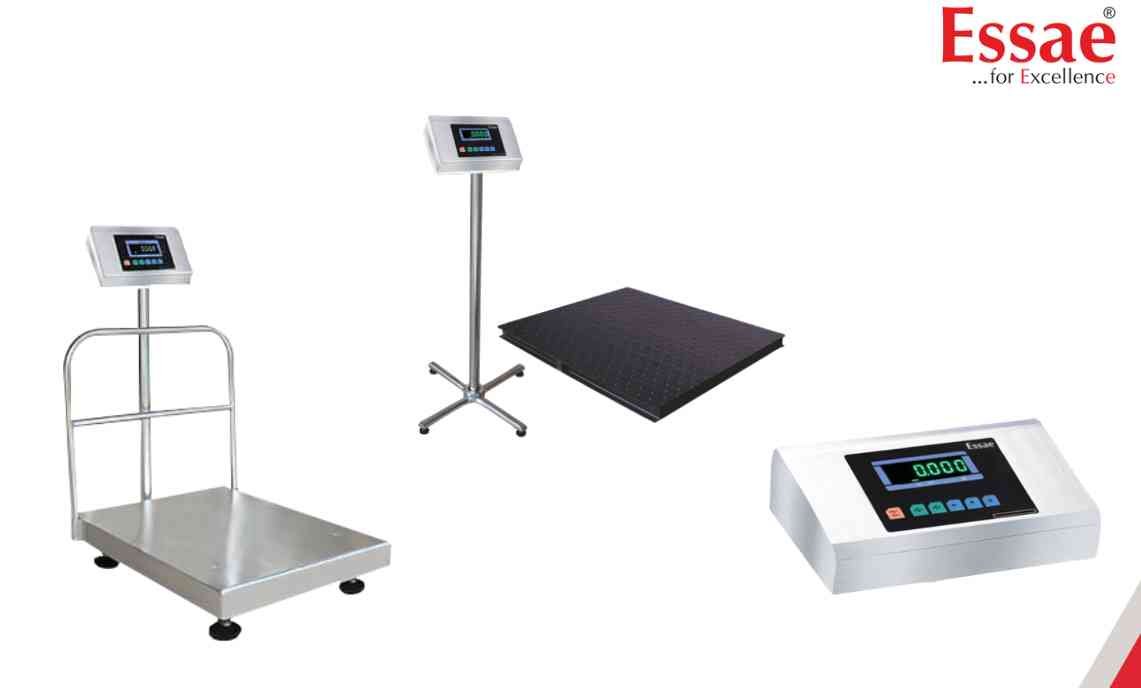
The displayed weight continuously changes even when the load remains unchanged.
Possible Causes
1.) Air drafts.
2.) Table vibration.
3.) Improper installation.
4.) Platform touching surrounding objects.
5.) Load not positioned correctly.
6.) Electrical interference.
Troubleshooting Procedure
Step 1
Remove the load.
Step 2
Verify proper platform clearance.
Step 3
Check installation surface stability.
Step 4
Keep the scale away from fans and air conditioners.
Step 5
Place the load at the center of the platform.
Step 6
Verify stable power supply.
Step 7
Perform calibration verification.
Prevention
1.) Install on a rigid surface.
2.) Avoid vibration.
3.) Maintain proper platform clearance.
4.) Perform regular preventive maintenance.
Possible Causes
1.) Air drafts.
2.) Table vibration.
3.) Improper installation.
4.) Platform touching surrounding objects.
5.) Load not positioned correctly.
6.) Electrical interference.
Troubleshooting Procedure
Step 1
Remove the load.
Step 2
Verify proper platform clearance.
Step 3
Check installation surface stability.
Step 4
Keep the scale away from fans and air conditioners.
Step 5
Place the load at the center of the platform.
Step 6
Verify stable power supply.
Step 7
Perform calibration verification.
Prevention
1.) Install on a rigid surface.
2.) Avoid vibration.
3.) Maintain proper platform clearance.
4.) Perform regular preventive maintenance.
Is your scale beyond repair?
Sometimes replacing an aging machine is more cost-effective than fixing it. Explore our wide range of new, high-precision weighing scales.
Related Error Codes
Related Calibration Guides
