EEEE / O-L
EEEE / O-L - Maximum Capacity Exceeded
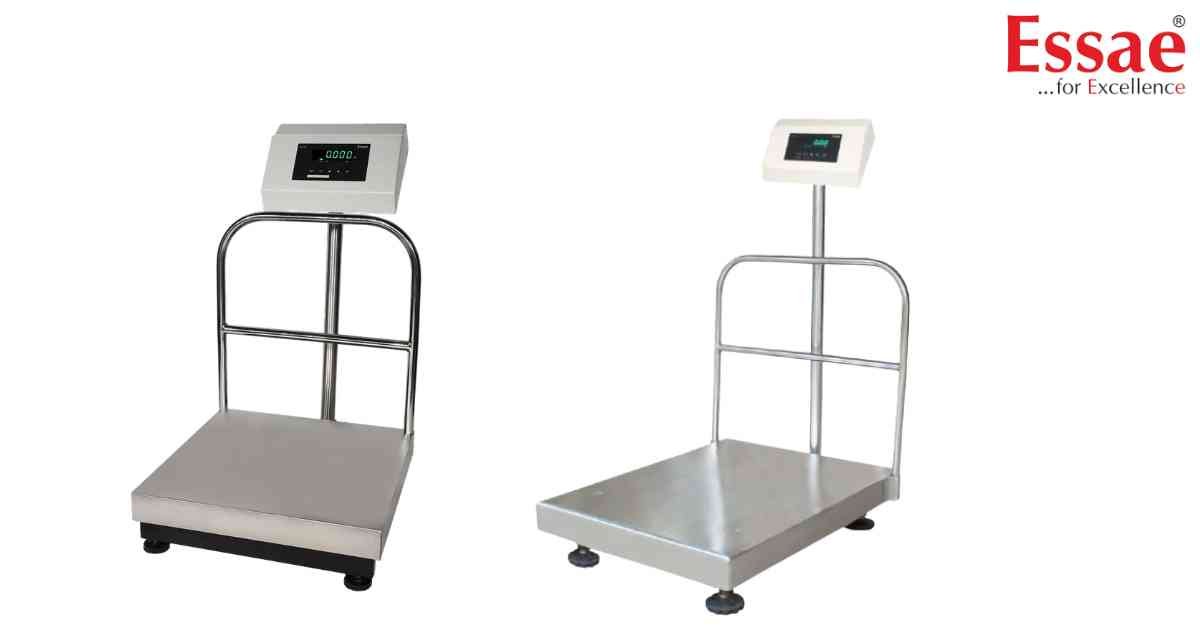
⚙️ Model Compatibility: Essae DS-415 & DS-415N.
The "EEEE" or "O-L" (Overload) error indicates that the item weight exceeds the scale's maximum rated capacity (e.g., 30kg).
Immediate Troubleshooting:
1. Remove the load from the platter immediately to prevent long-term damage to the internal load cell.
2. Power the scale OFF and then ON again.
If the error remains while the platter is empty, it indicates mechanical stress on the load cell. This may require a re-calibration or, in worst-case scenarios, a load cell replacement.
The "EEEE" or "O-L" (Overload) error indicates that the item weight exceeds the scale's maximum rated capacity (e.g., 30kg).
Immediate Troubleshooting:
1. Remove the load from the platter immediately to prevent long-term damage to the internal load cell.
2. Power the scale OFF and then ON again.
If the error remains while the platter is empty, it indicates mechanical stress on the load cell. This may require a re-calibration or, in worst-case scenarios, a load cell replacement.
Is your scale beyond repair?
Sometimes replacing an aging machine is more cost-effective than fixing it. Explore our wide range of new, high-precision weighing scales.
Related Error Codes
Related Calibration Guides
