EEEE
EEEE - Maximum Capacity Exceeded on DS-252
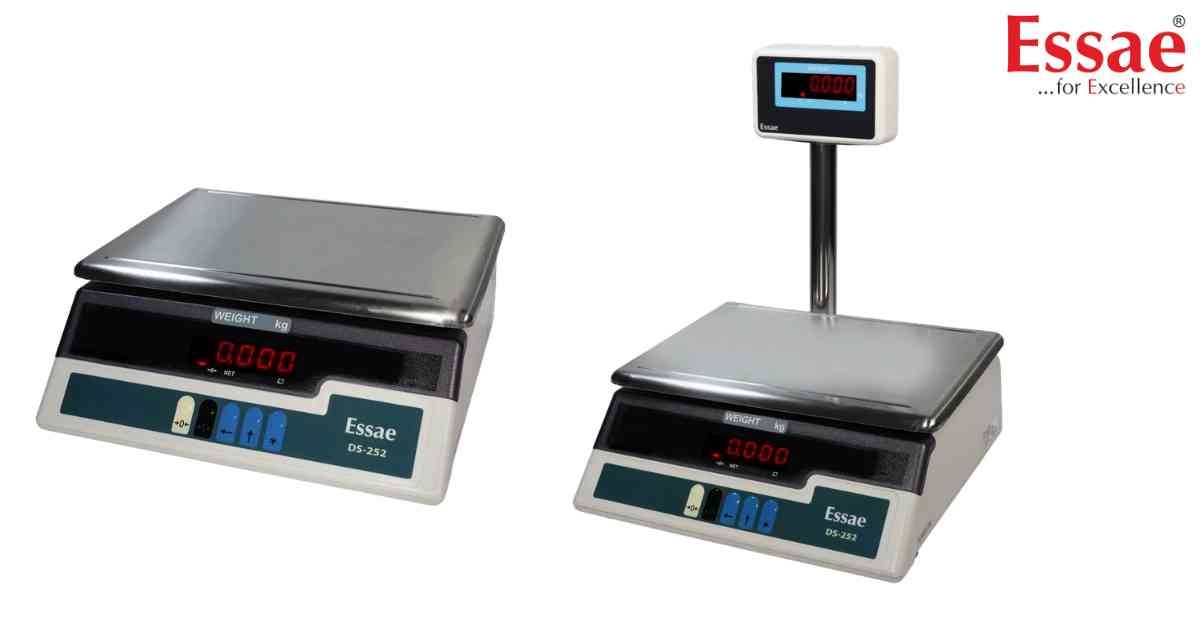
⚙️ Model Compatibility: Essae DS-252 (Bench and Table Top).
The "EEEE" or "OvrFLw" error indicates that the weight placed on the platter exceeds the scale's maximum programmed capacity (e.g., 30kg or 50kg) plus the allowed 9 divisions.
Immediate Troubleshooting Steps:
1. Immediately remove the heavy load from the platter to protect the aluminum load cell from permanent deformation.
2. Turn the machine OFF and then back ON using the power switch.
Hardware Diagnostics:
If the screen displays "EEEE" continuously while the platter is completely empty, the load cell has been permanently damaged by physical shock or extreme overloading. A technician will need to replace the load cell and recalibrate the machine.
The "EEEE" or "OvrFLw" error indicates that the weight placed on the platter exceeds the scale's maximum programmed capacity (e.g., 30kg or 50kg) plus the allowed 9 divisions.
Immediate Troubleshooting Steps:
1. Immediately remove the heavy load from the platter to protect the aluminum load cell from permanent deformation.
2. Turn the machine OFF and then back ON using the power switch.
Hardware Diagnostics:
If the screen displays "EEEE" continuously while the platter is completely empty, the load cell has been permanently damaged by physical shock or extreme overloading. A technician will need to replace the load cell and recalibrate the machine.
Is your scale beyond repair?
Sometimes replacing an aging machine is more cost-effective than fixing it. Explore our wide range of new, high-precision weighing scales.
Related Error Codes
Related Calibration Guides
