Essae DS-215N USB Communication Error
USB COMMUNICATION ERROR
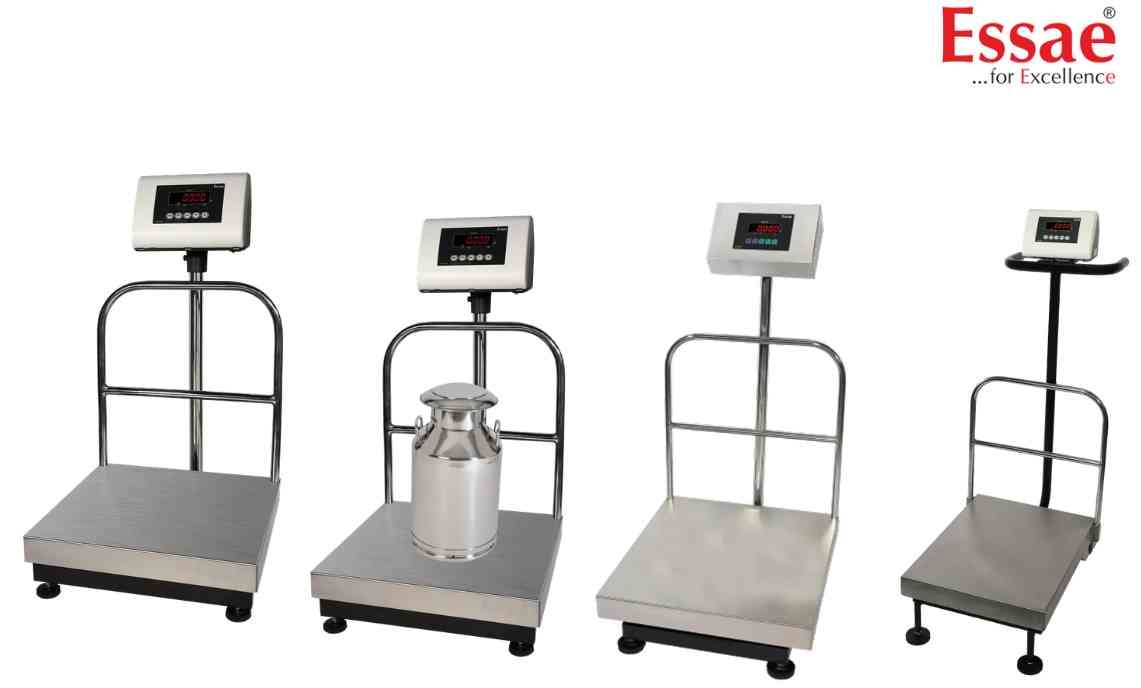
The USB interface cannot establish communication with the connected computer.
Possible Causes
1.) Faulty USB cable.
2.) Driver installation issue.
3.) USB port failure.
4.) Incorrect software configuration.
5.) Power interruption.
Troubleshooting Procedure
1.) Reconnect USB cable.
2.) Verify driver installation.
3.) Restart the computer.
4.) Test another USB port.
5.) Check device manager settings.
6.) Reconfigure communication software.
Prevention
1.) Use quality USB cables.
2.) Avoid disconnecting during data transfer.
3.) Keep drivers updated.
Possible Causes
1.) Faulty USB cable.
2.) Driver installation issue.
3.) USB port failure.
4.) Incorrect software configuration.
5.) Power interruption.
Troubleshooting Procedure
1.) Reconnect USB cable.
2.) Verify driver installation.
3.) Restart the computer.
4.) Test another USB port.
5.) Check device manager settings.
6.) Reconfigure communication software.
Prevention
1.) Use quality USB cables.
2.) Avoid disconnecting during data transfer.
3.) Keep drivers updated.
Is your scale beyond repair?
Sometimes replacing an aging machine is more cost-effective than fixing it. Explore our wide range of new, high-precision weighing scales.
Related Error Codes
Related Calibration Guides
