Essae DS-215N Over Capacity Error
OVER CAPACITY
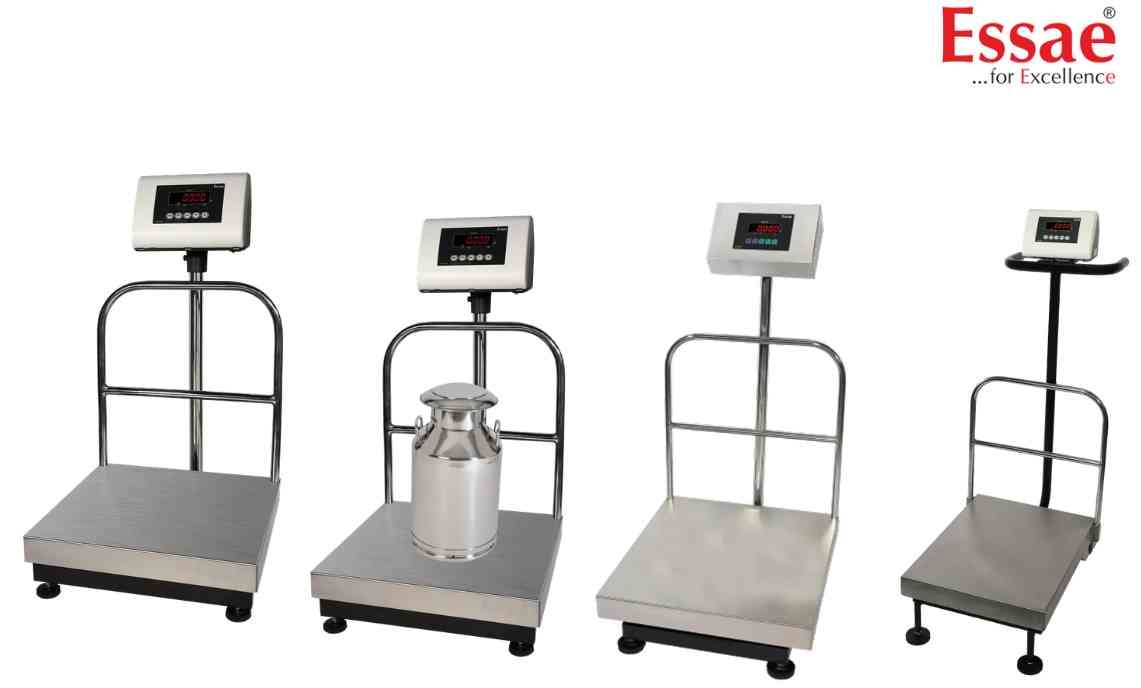
The Over Capacity Error occurs when the applied load exceeds the maximum weighing capacity of the platform.
Possible Causes
1.) Excessive load on platform.
2.) Incorrect capacity configuration.
3.) Load cell overload condition.
4.) Mechanical platform damage.
Troubleshooting Procedure
1.) Remove excess load immediately.
2.) Verify platform capacity.
3.) Check for physical damage.
4.) Restart the indicator.
5.) Verify calibration settings.
6.) Test using a known standard weight.
Prevention
1.) Never exceed rated capacity.
2.) Load products gently.
3.) Use correct platform capacity.
Possible Causes
1.) Excessive load on platform.
2.) Incorrect capacity configuration.
3.) Load cell overload condition.
4.) Mechanical platform damage.
Troubleshooting Procedure
1.) Remove excess load immediately.
2.) Verify platform capacity.
3.) Check for physical damage.
4.) Restart the indicator.
5.) Verify calibration settings.
6.) Test using a known standard weight.
Prevention
1.) Never exceed rated capacity.
2.) Load products gently.
3.) Use correct platform capacity.
Is your scale beyond repair?
Sometimes replacing an aging machine is more cost-effective than fixing it. Explore our wide range of new, high-precision weighing scales.
Related Error Codes
Related Calibration Guides
