Essae DC-85N Setpoint Programming Error
SETPOINT ERROR
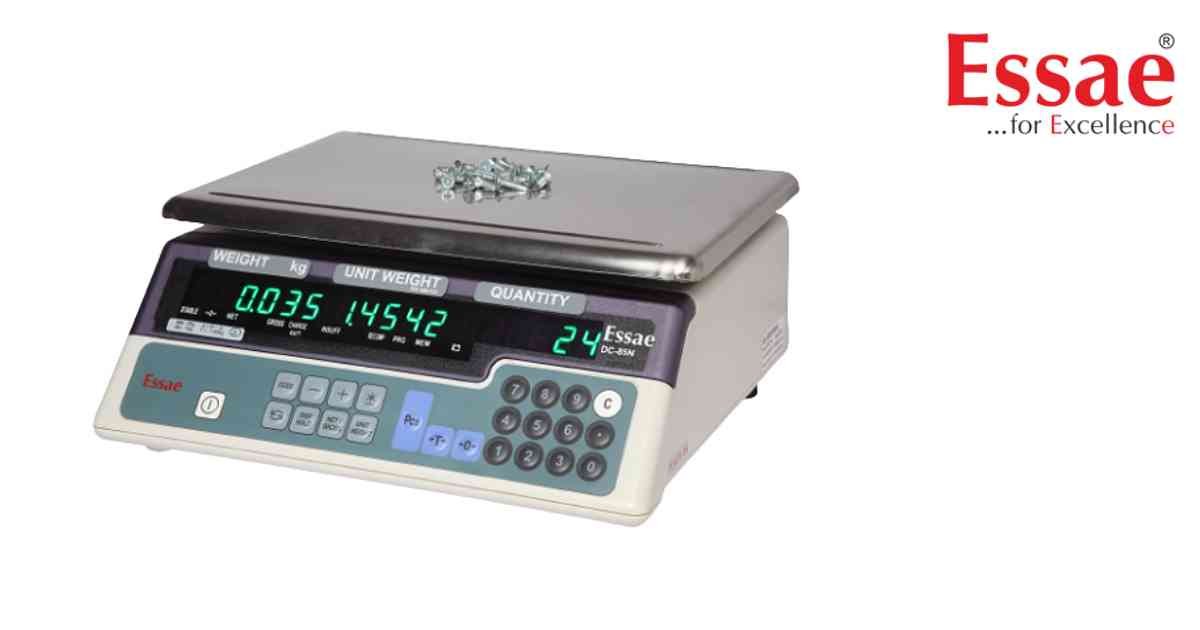
Setpoint Programming Error occurs when quantity limits or alarm values are not accepted by the scale.
Possible Causes
1.) Invalid setpoint value.
2.) Incorrect parameter entry.
3.) Memory storage issue.
4.) Customer specification settings conflict.
5.) Internal software fault.
Troubleshooting Procedure
1.) Enter programming mode.
2.) Verify setpoint values.
3.) Re-enter the quantity limits.
4.) Save settings again.
5.) Restart the scale.
6.) Test setpoint operation.
Prevention
1.) Verify values before saving.
2.) Record original settings.
3.) Avoid power interruption during programming.
Possible Causes
1.) Invalid setpoint value.
2.) Incorrect parameter entry.
3.) Memory storage issue.
4.) Customer specification settings conflict.
5.) Internal software fault.
Troubleshooting Procedure
1.) Enter programming mode.
2.) Verify setpoint values.
3.) Re-enter the quantity limits.
4.) Save settings again.
5.) Restart the scale.
6.) Test setpoint operation.
Prevention
1.) Verify values before saving.
2.) Record original settings.
3.) Avoid power interruption during programming.
Is your scale beyond repair?
Sometimes replacing an aging machine is more cost-effective than fixing it. Explore our wide range of new, high-precision weighing scales.
Related Error Codes
Related Calibration Guides
