Essae DC-85N Display Not Working Error
DISPLAY FAILURE
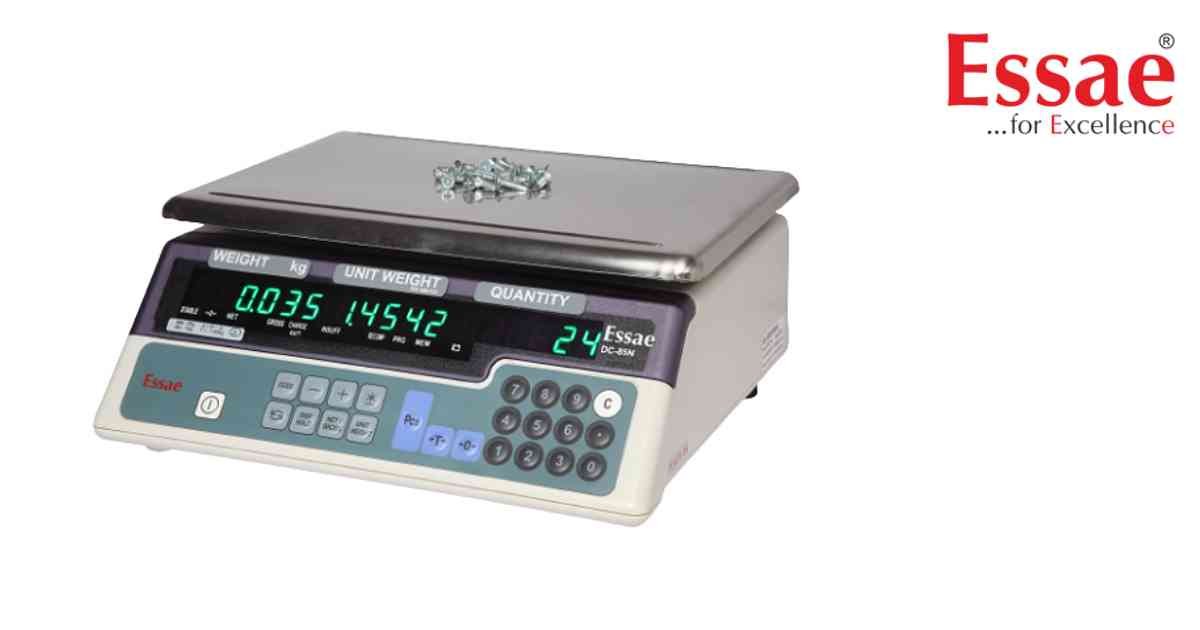
The display remains blank, partially visible or unreadable during operation.
Possible Causes
1.) Battery discharged.
2.) Power supply failure.
3.) Display connection loose.
4.) LED display fault.
5.) Main PCB issue.
Troubleshooting Procedure
1.) Verify power supply.
2.) Charge battery.
3.) Restart the scale.
4.) Inspect display connections.
5.) Check display brightness.
6.) Contact authorized service if required.
Prevention
1.) Keep equipment dry.
2.) Maintain battery health.
3.) Use stable power supply.
Possible Causes
1.) Battery discharged.
2.) Power supply failure.
3.) Display connection loose.
4.) LED display fault.
5.) Main PCB issue.
Troubleshooting Procedure
1.) Verify power supply.
2.) Charge battery.
3.) Restart the scale.
4.) Inspect display connections.
5.) Check display brightness.
6.) Contact authorized service if required.
Prevention
1.) Keep equipment dry.
2.) Maintain battery health.
3.) Use stable power supply.
Is your scale beyond repair?
Sometimes replacing an aging machine is more cost-effective than fixing it. Explore our wide range of new, high-precision weighing scales.
Related Error Codes
Related Calibration Guides
