Essae AX Series Printer Communication Error
PRINTER COMMUNICATION ERROR
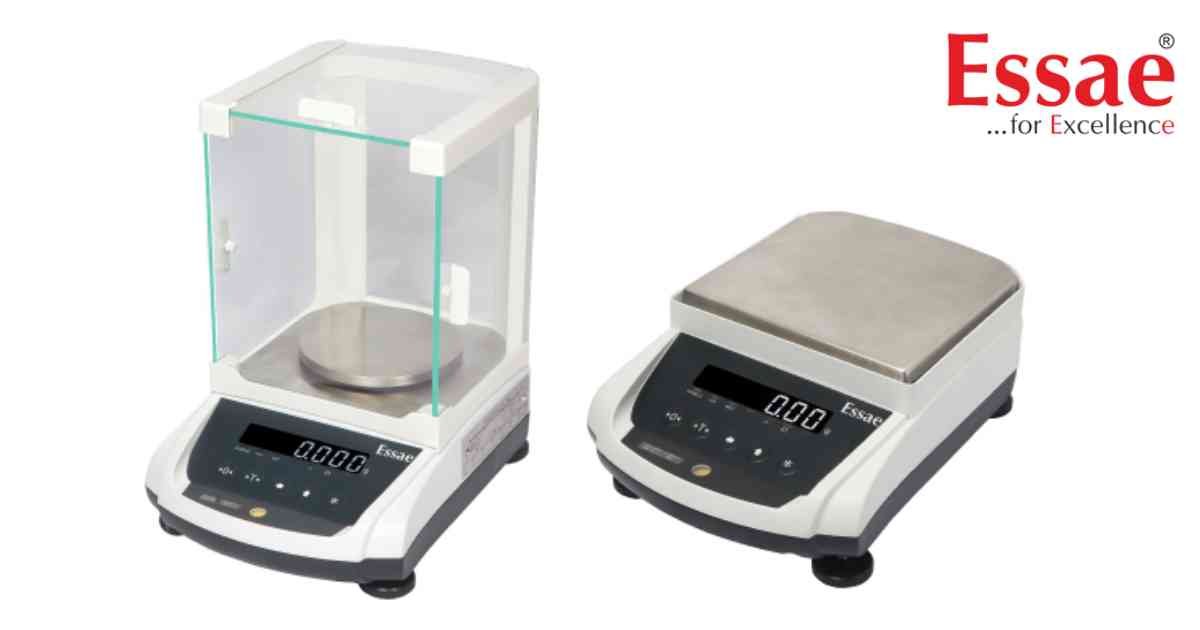
Printer Communication Error indicates that the balance cannot send data to the connected printer.
Possible Causes
1.) Printer switched OFF.
2.) Incorrect printer settings.
3.) Communication cable disconnected.
4.) Baud rate mismatch.
5.) Printer out of paper.
6.) Printer interface failure.
Troubleshooting Procedure
1.) Switch ON the printer.
2.) Verify cable connections.
3.) Check paper availability.
4.) Confirm printer communication settings.
5.) Perform a test print.
6.) Restart both devices.
Prevention
1.) Perform regular printer maintenance.
2.) Keep paper loaded.
3.) Use compatible communication settings.
Possible Causes
1.) Printer switched OFF.
2.) Incorrect printer settings.
3.) Communication cable disconnected.
4.) Baud rate mismatch.
5.) Printer out of paper.
6.) Printer interface failure.
Troubleshooting Procedure
1.) Switch ON the printer.
2.) Verify cable connections.
3.) Check paper availability.
4.) Confirm printer communication settings.
5.) Perform a test print.
6.) Restart both devices.
Prevention
1.) Perform regular printer maintenance.
2.) Keep paper loaded.
3.) Use compatible communication settings.
Is your scale beyond repair?
Sometimes replacing an aging machine is more cost-effective than fixing it. Explore our wide range of new, high-precision weighing scales.
Related Error Codes
Related Calibration Guides
