Essae AX Series Over Capacity Error
OVER CAPACITY
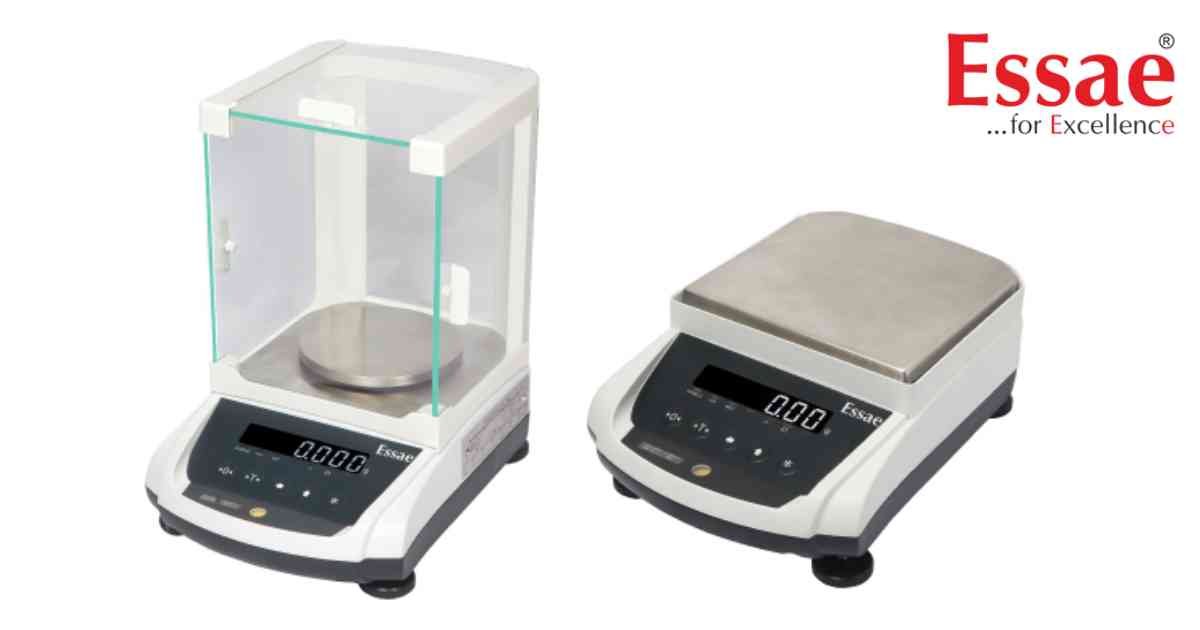
Over Capacity Error appears when the applied load exceeds the maximum weighing capacity of the balance.
Possible Causes
1.) Excessive sample weight.
2.) Incorrect balance selection.
3.) Mechanical obstruction.
4.) Overloaded weighing pan.
Troubleshooting Procedure
1.) Remove the excess load immediately.
2.) Verify the balance capacity.
3.) Inspect the weighing pan.
4.) Restart the balance.
5.) Perform calibration verification.
Prevention
1.) Never exceed the rated capacity.
2.) Select the correct balance model for the application.
3.) Handle heavy samples carefully.
Possible Causes
1.) Excessive sample weight.
2.) Incorrect balance selection.
3.) Mechanical obstruction.
4.) Overloaded weighing pan.
Troubleshooting Procedure
1.) Remove the excess load immediately.
2.) Verify the balance capacity.
3.) Inspect the weighing pan.
4.) Restart the balance.
5.) Perform calibration verification.
Prevention
1.) Never exceed the rated capacity.
2.) Select the correct balance model for the application.
3.) Handle heavy samples carefully.
Is your scale beyond repair?
Sometimes replacing an aging machine is more cost-effective than fixing it. Explore our wide range of new, high-precision weighing scales.
Related Error Codes
Related Calibration Guides
