E
Overload Error
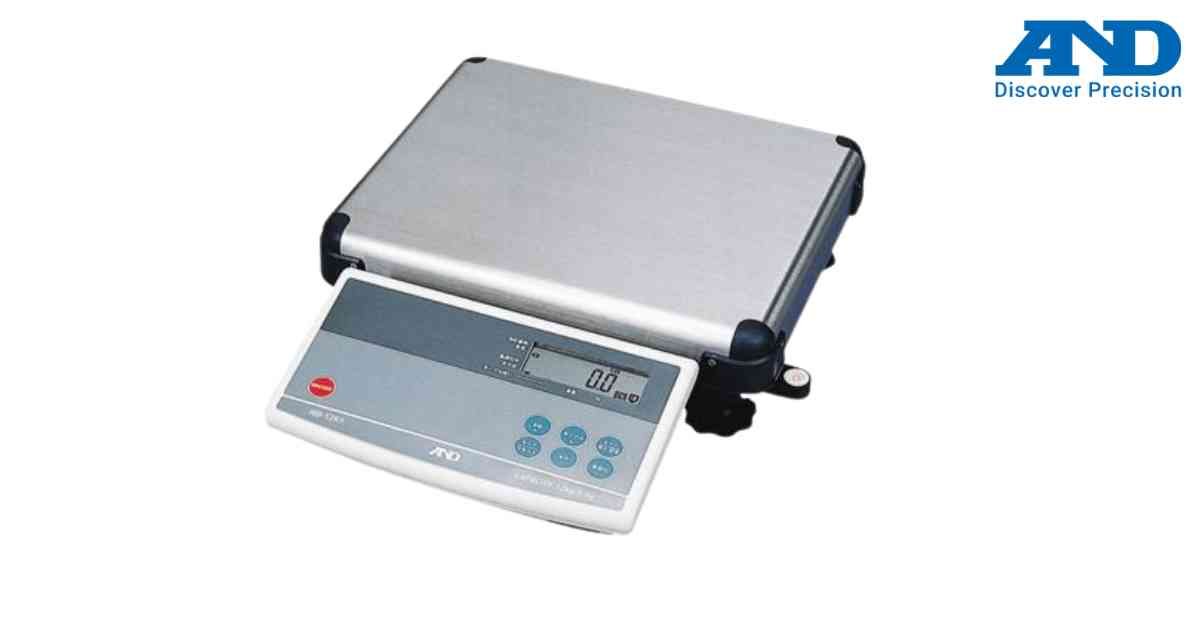
The displayed load exceeds the maximum capacity of the HD Series counting scale.
Possible Causes
1.) Excessive weight on the platform
2.) Incorrect calibration
3.) Heavy object placed suddenly
Solution
1.) Remove the load immediately.
2.) Verify platform is empty.
3.) Restart the scale.
4.) Perform calibration if required.
Possible Causes
1.) Excessive weight on the platform
2.) Incorrect calibration
3.) Heavy object placed suddenly
Solution
1.) Remove the load immediately.
2.) Verify platform is empty.
3.) Restart the scale.
4.) Perform calibration if required.
Is your scale beyond repair?
Sometimes replacing an aging machine is more cost-effective than fixing it. Explore our wide range of new, high-precision weighing scales.